
Church SMS campaigns
Draft a service update or event reminder, choose a saved template, review recipients, and send now or schedule for later.
Prepare church text reminders, event invitations, and weekly emails in TheFaithApp. Choose your audience, reuse a template, schedule the message, and review campaign results in one workspace.
Free starter access · SMS delivery billed separately · View pricing
What your team can do
Use SMS for short reminders and email for the context behind them. Keep the audience, message, schedule, and results together so your team can review each campaign before it goes out.
Draft a service update or event reminder, choose a saved template, review recipients, and send now or schedule for later.
Prepare weekly news and event details with subject lines, reusable templates, scheduling, and email open and click reporting.
Choose members, subscribers, or imported contacts. Build a custom member audience by age group or location when those details are recorded.
Sync members or import contacts, review subscription status, and manage pending SMS opt-ins and unsubscribed contacts.
Connect your church’s Twilio account for SMS and configure Mailgun or SMTP for email. Check setup and sending permissions before launch.
Review SMS sending results, failures, opt-outs and recorded costs alongside email opens and clicks. Check final SMS delivery status with Twilio.
Put the message to work
Choose the purpose and audience first. These are examples your team can prepare and review; keep contact preferences and current ministry details part of every sending decision.
Tell the affected congregation what changed, when to arrive, and where the current details live. Use a short text with one useful link.
Prepare an invitation for people who requested event updates. Before sending a reminder, review the audience against the latest registrations.
Welcome guests who requested contact, or prepare a weekly email for subscribers. Give questions a named owner and use a monitored reply channel or contact link.
Start with our Church SMS campaign guide (English), then use the church communication strategy guide to assign the audience, source of truth, and response owner.
For guest follow-up, use the free church visitor follow-up planner to agree on timing and responsibilities before choosing the email or text.
The SMS campaign’s “Delivered” count records successful sending requests, not a final delivery receipt. Check the message’s latest status in your church’s Twilio logs before treating it as delivered to a phone.
Even a delivery receipt does not show that someone read a text or completed the next step. Record actual replies, registrations or volunteer confirmations separately, with a named person responsible for follow-up.
Campaign capacity and delivery costs
Email and SMS share one monthly campaign allowance. The number of campaigns is separate from the number of recipients or paid message segments.
Use your church’s Twilio account for SMS and pay Twilio for delivery. Review its destination rates, message segments, number charges, and any applicable carrier or registration fees. Longer messages or certain characters can use more than one billed segment, so check the final text with your provider.
Email provider charges also depend on your Mailgun or SMTP arrangement. Your campaign allowance does not include provider delivery charges.
Free includes starter marketing access for a church with up to 100 members. Compare the full plan limits before choosing capacity for recurring emails and texts.
For example, sending one email newsletter and one event-reminder SMS uses two campaigns from the same allowance. Standard currently includes 5 / month across email and SMS together; provider delivery charges remain separate.
Compare all plan limitsInside Marketing
Bring campaigns, audiences, providers, reusable templates, and performance into one communication rhythm.
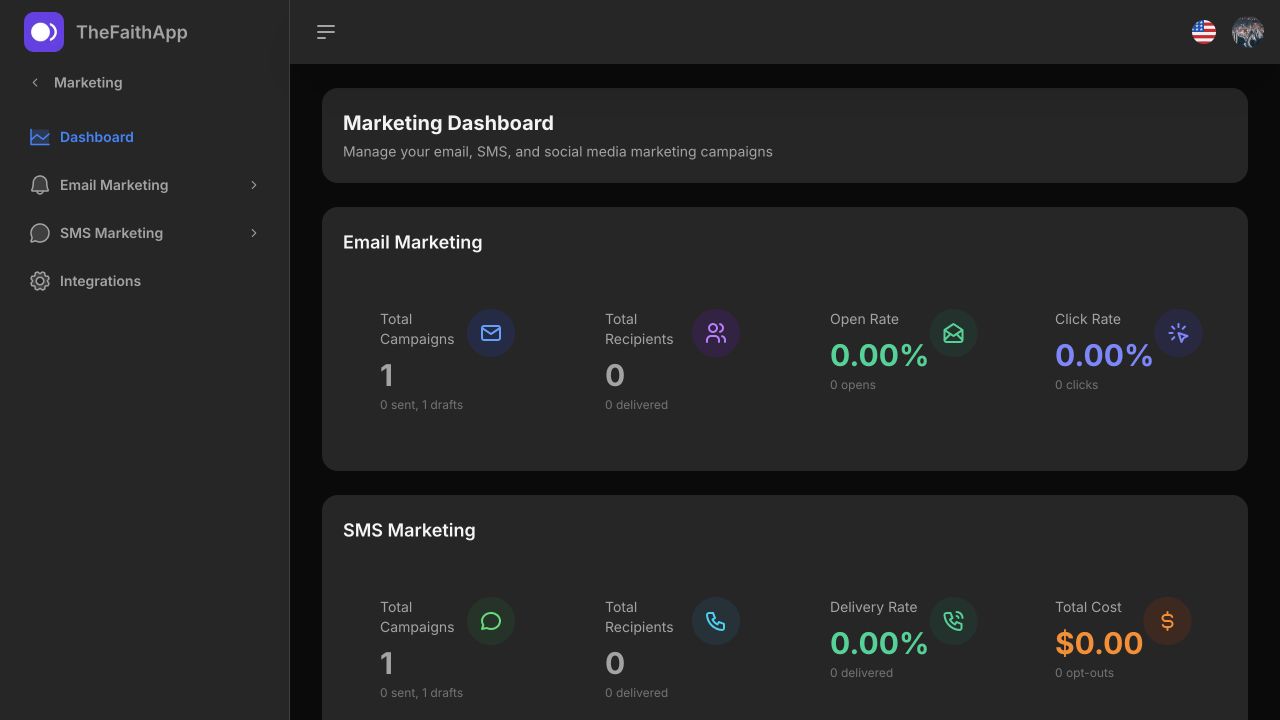 Enlarge screenshot
A simple ministry rhythm
Connect the sending provider, review contact permissions, and choose the people who need this update.
Start from a template, replace placeholders, check the link on a phone, and name the person who will handle questions before scheduling.
Check sending results and failures, review opt-outs, and follow up on registrations or questions. A successful sending request does not confirm delivery to a phone, reading or action.
Test Connection checks your Twilio credentials; it does not send a text or confirm that your sender can deliver messages and receive replies.
For church members
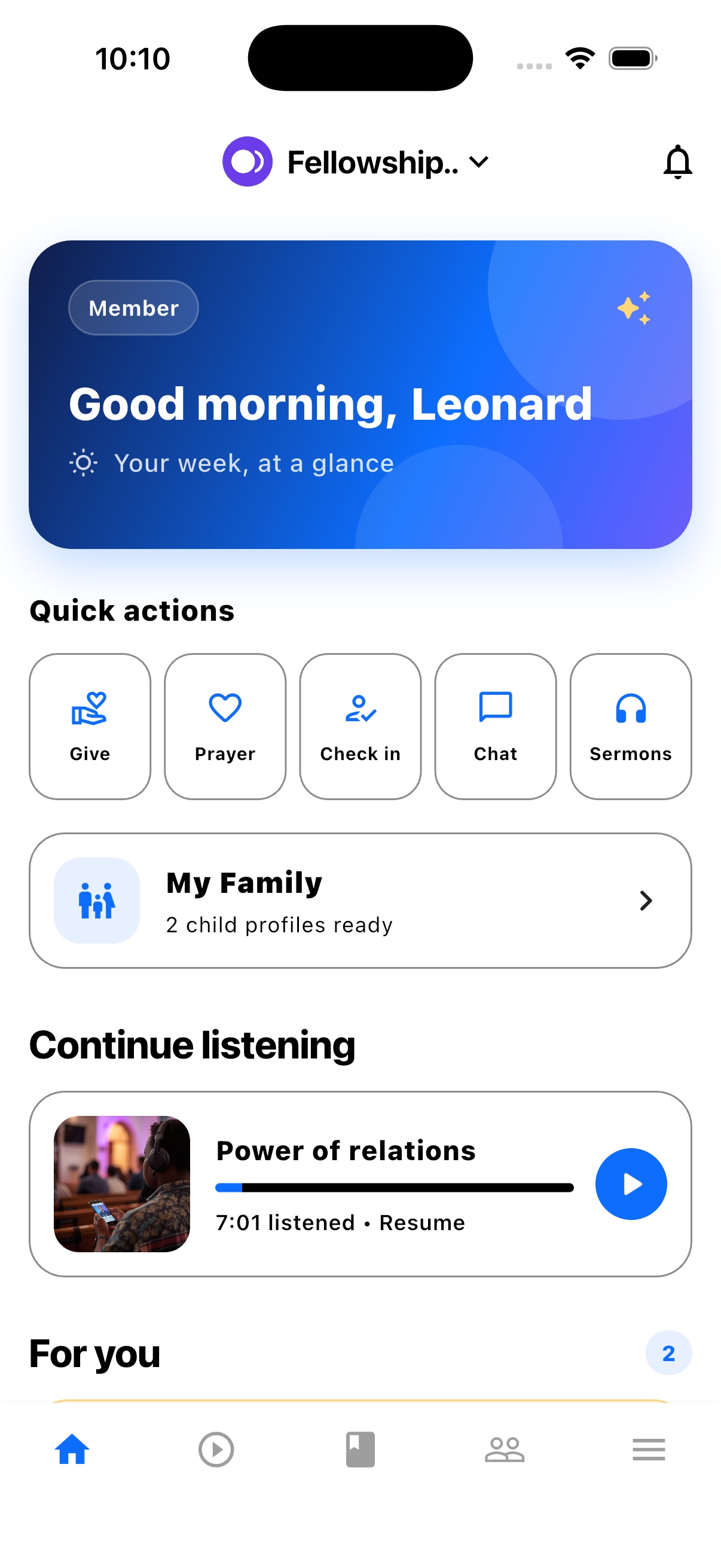
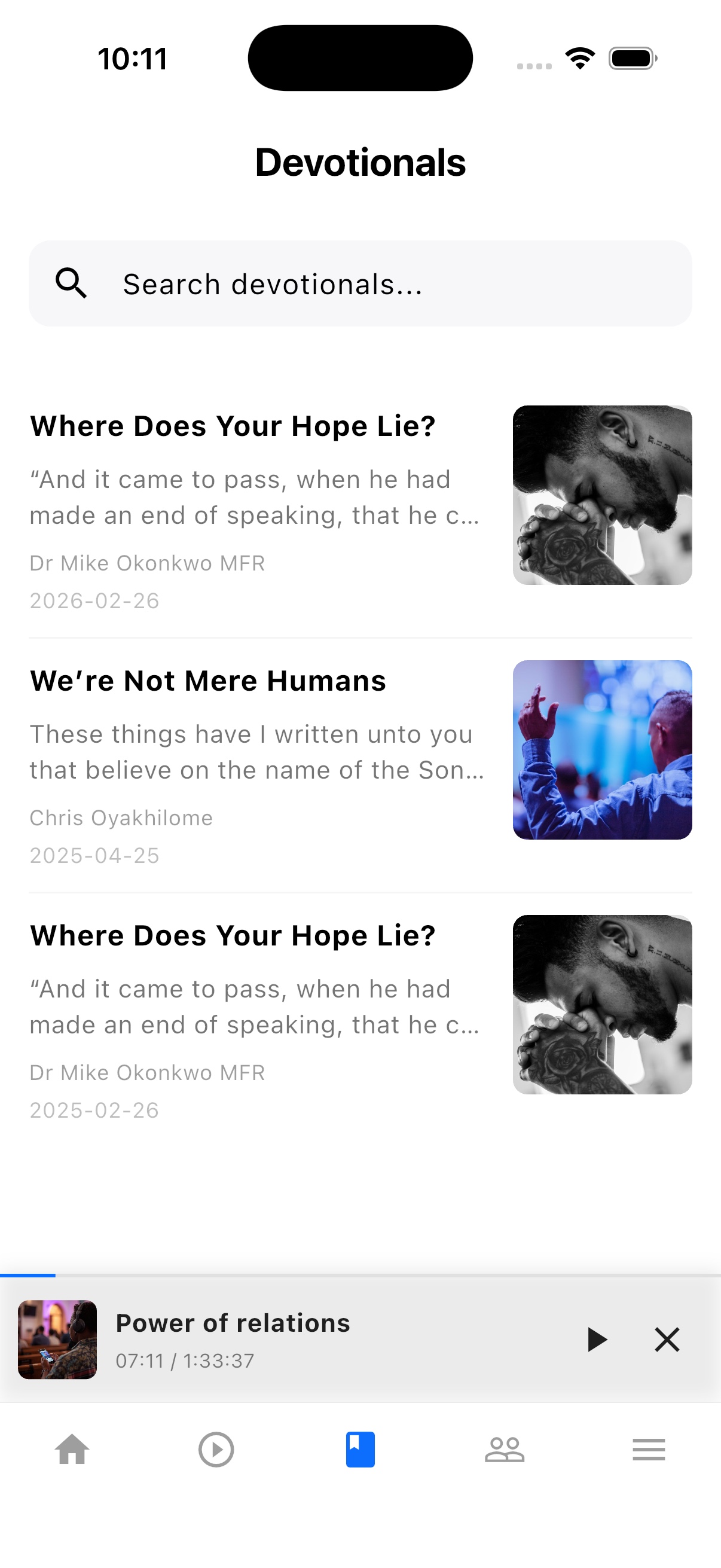
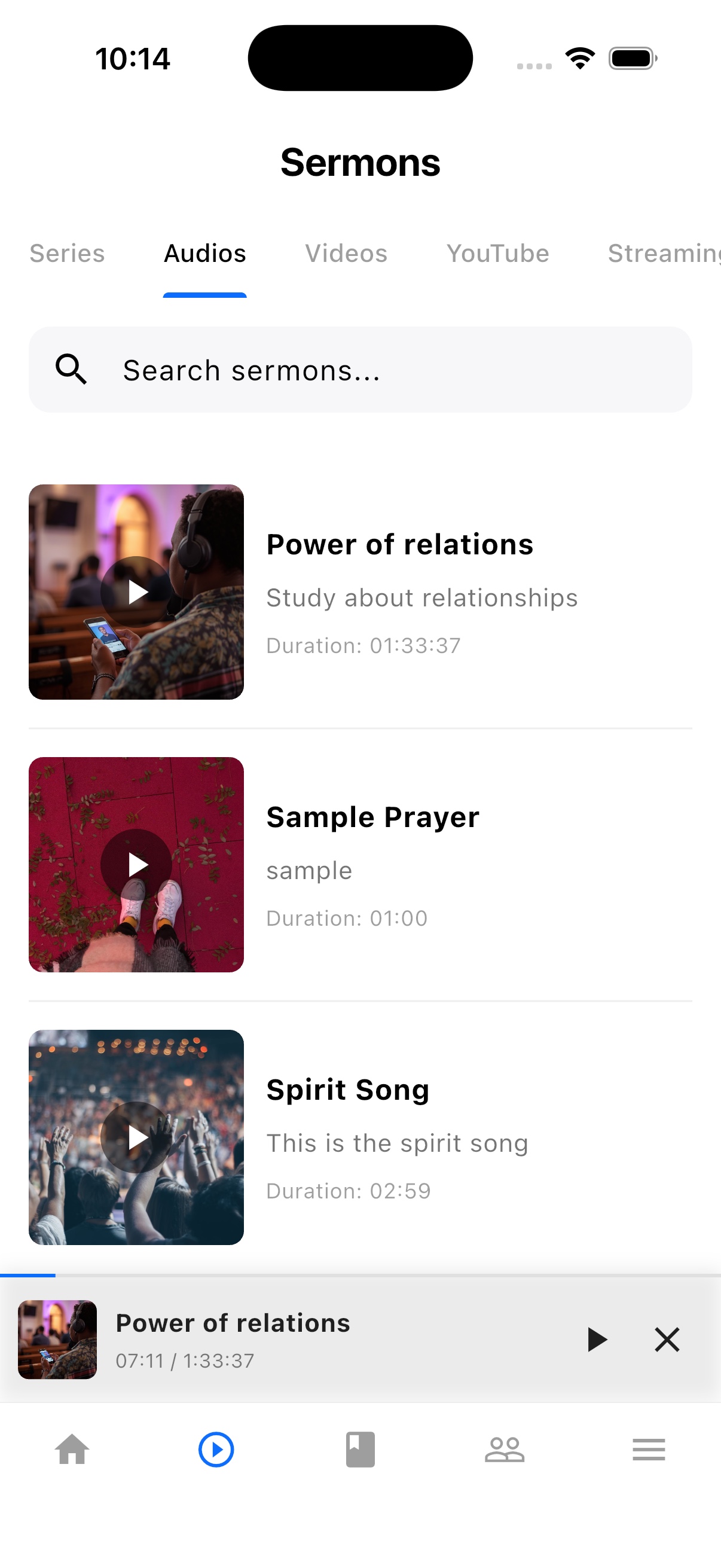
TheFaithApp is the member app connected to your church. Download it for iPhone or Android to find your church's sermons, devotionals, updates, and events in one place.


Explore the member app features
For church administrators
Manage your church in the web dashboard. Setting up a new church? Request access for review before setup.
Guides and next steps
Prepare a useful message, check your church’s provider connection, and make room for a personal reply.
One platform. Built around real ministry.
Bring your audience, sending country, and monthly campaign plan. We can walk through provider setup, message review, reporting, and the costs to check before sending.
Chat could not load. Email support
Chat with us