
Member access
Review member access requests without exposing unrelated church administration.
Manage member access support, webhooks, developer tools, hosted sign-in, exports, and trust controls from one church-owned platform workspace.
API and automation access on Large and Enterprise; full data export on every plan · View pricing
What your team can do
Use Integrations & Data Control on its own terms, with the same people, permissions, content, and ministry context already inside TheFaithApp.
Review member access requests without exposing unrelated church administration.
Connect approved systems and see delivery health without hiding failures.
Manage API and hosted sign-in readiness from a church-scoped workspace.
Prepare exports and understand recent data activity without losing ownership.
See the integrations the church relies on and where attention is required.
Keep security, access, and safety review close to the connections they govern.
Plan one connection
Start with one task: which records should move, in which direction, and how often? Connecting a provider, automating a supported workflow, and building a custom integration involve different setup and responsibilities.
For payments, messaging, or streaming, start in the product that uses the provider: Giving, Communications or Marketing, or Streaming. Confirm the supported provider, its setup requirements, and any separate provider charges.
Find provider setup guidanceFor Zapier or Make, start with the setup link in your church’s Platform workspace. These automations require Large or Enterprise and the right staff permissions. Check that the trigger and action you need are supported before planning the workflow.
Review Zapier and Make accessOn Large and Enterprise, a developer can use the supported API and outgoing webhooks for a custom connection. Confirm the available records, actions, and event types before planning the work. Your team owns the connected application and its maintenance; API access does not include a ready-made connector for every system.
Explore the developer referenceZapier and Make connect to your live church. Action tests can create or change records, and message tests can send real messages. In current connector versions, Return Success checks connection authorization without changing church records; it does not prove that a different action will succeed.
Follow the connection testing guideA full church data export is available on every plan to staff with data export permission. You do not need to build an API integration to request an export. Download it before its displayed expiry and store it according to your church’s records policy.
Inside Integrations & Data Control
Keep member access, developer tools, webhooks, portability, and trust controls visible and church-scoped.
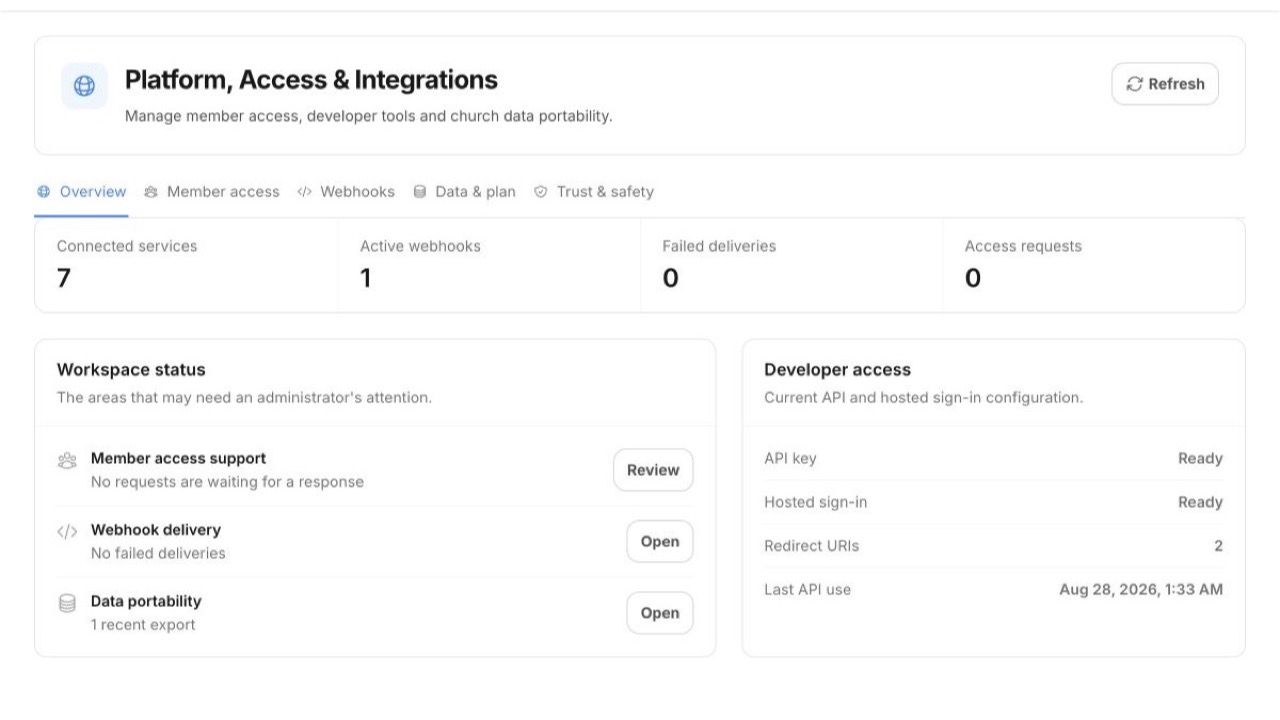 Enlarge screenshot
Built into the product
Access, APIs, webhooks, exports, and trust controls stay church-scoped and reviewable instead of becoming invisible plumbing.
A simple ministry rhythm
Define the member, developer, webhook, or data workflow the church needs.
Configure church-scoped access, destinations, and responsible administrators.
Follow delivery, access, and export status from one platform view.
For church members
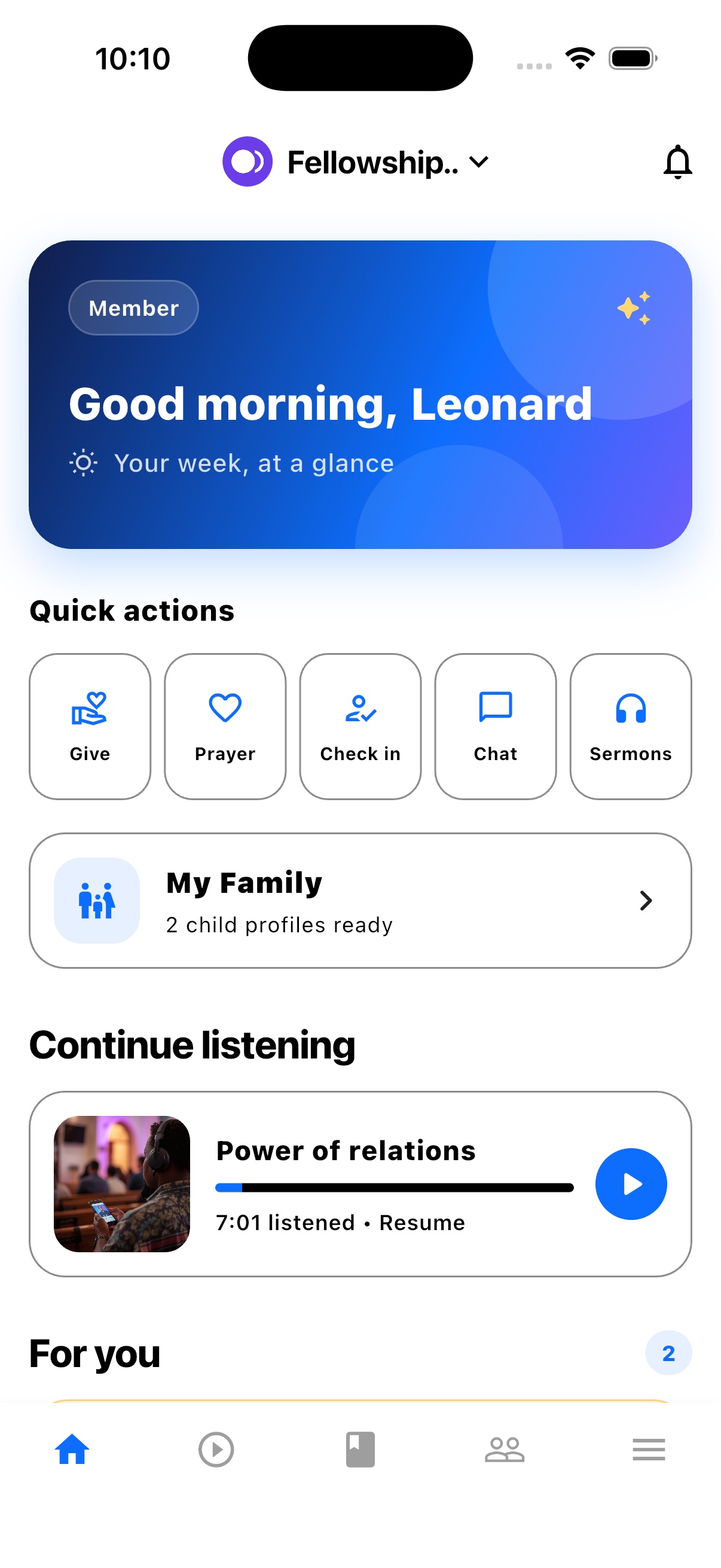
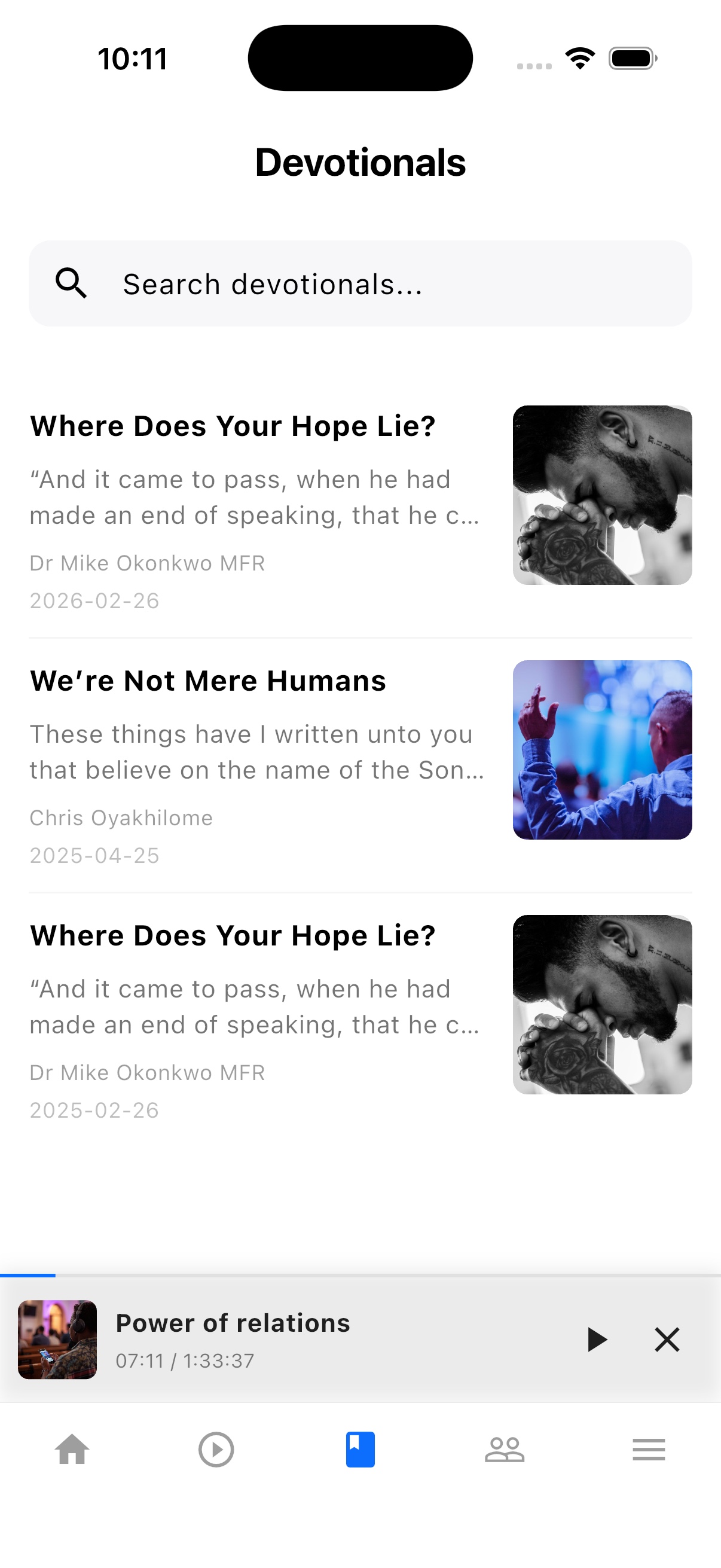
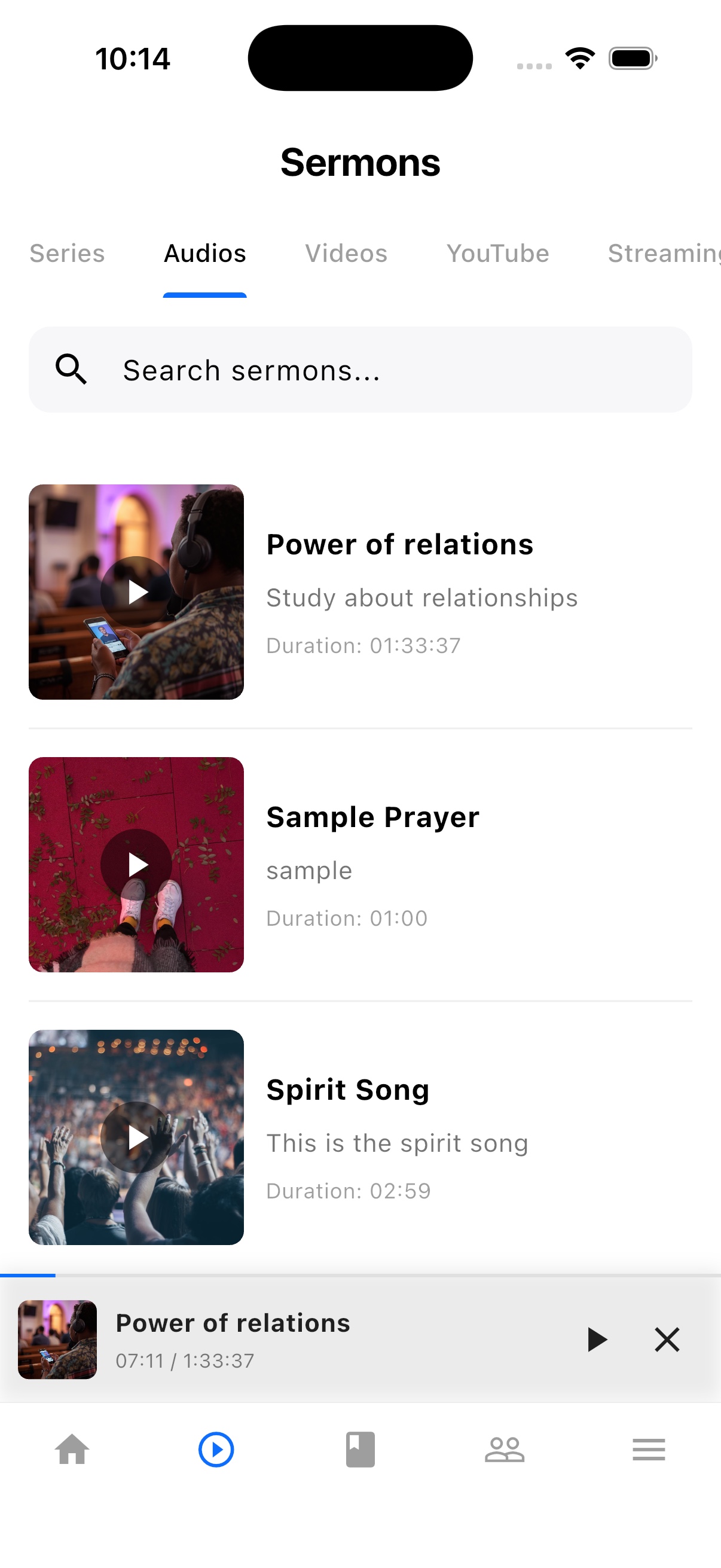
TheFaithApp is the member app connected to your church. Download it for iPhone or Android to find your church's sermons, devotionals, updates, and events in one place.


Explore the member app features
For church administrators
Manage your church in the web dashboard. Setting up a new church? Request access for review before setup.
Guides and next steps
Plan how people access the app, which systems need a connection, and how your church keeps records portable.
One platform. Built around real ministry.
Review product screenshots and setup guidance, then request access to begin with the workflows your church needs.
Chat could not load. Email support
Chat with us