
Calendar and bookings
Coordinate rooms and shared resources with the wider church calendar in view.
Coordinate bookings, equipment, stock, service checklists, requests, access, transport, incidents, and emergency readiness from one audited workspace.
Starter access on the Free plan · View pricing
What your team can do
Use Operations & Facilities on its own terms, with the same people, permissions, content, and ministry context already inside TheFaithApp.
Coordinate rooms and shared resources with the wider church calendar in view.
Track equipment, consumables, lifecycle dates, and reorder attention.
Turn maintenance and setup needs into owned, visible work instead of informal messages.
Prepare repeatable Sunday and ministry workflows with clear completion context.
Keep incident response, plans, and roll calls permission-aware and ready when needed.
Coordinate keys, access, vehicles, and the operational responsibilities around them.
Inside Operations & Facilities
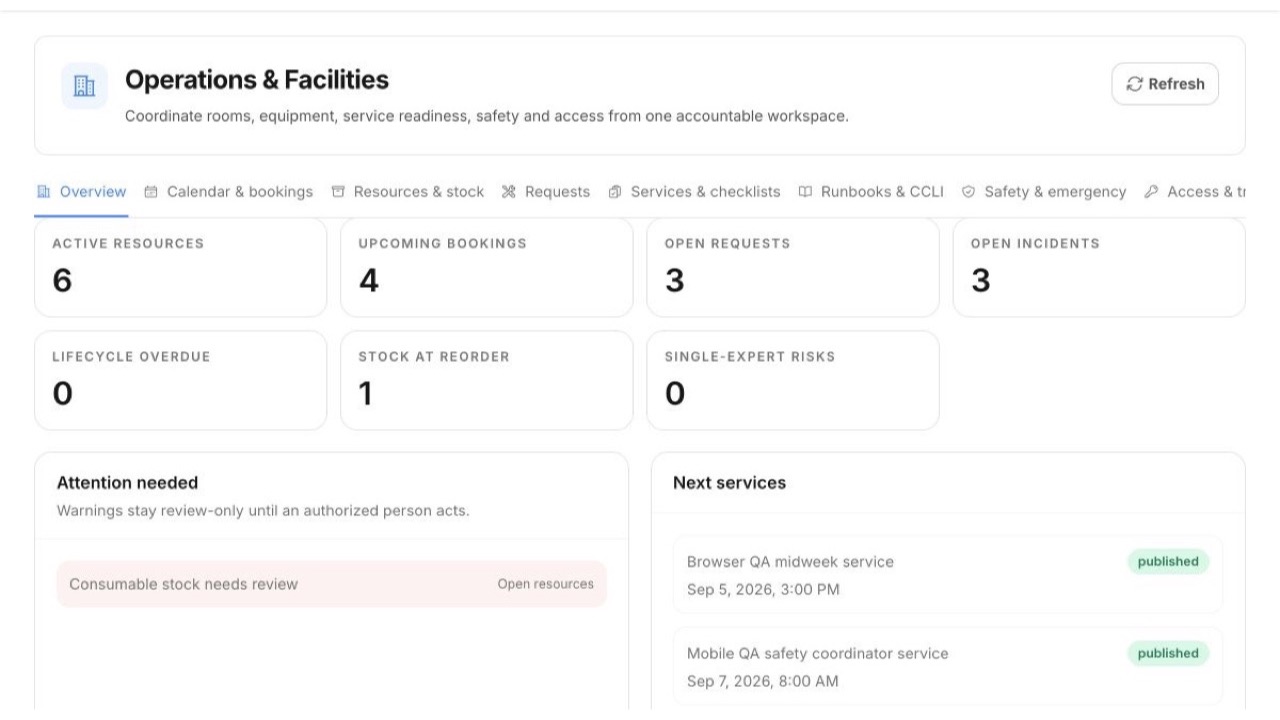
See operational readiness across bookings, resources, requests, services, safety, access, and transport.
 Enlarge screenshot
Built into the product
Bookings, resources, requests, services, safety, access, and transport share one accountable view of what needs attention.
A simple ministry rhythm
Add rooms, equipment, stock, access, transport, and recurring service needs.
Book resources, assign requests, and prepare service checklists and runbooks.
Act on shortages, incidents, lifecycle dates, and emergency preparation.
For church members
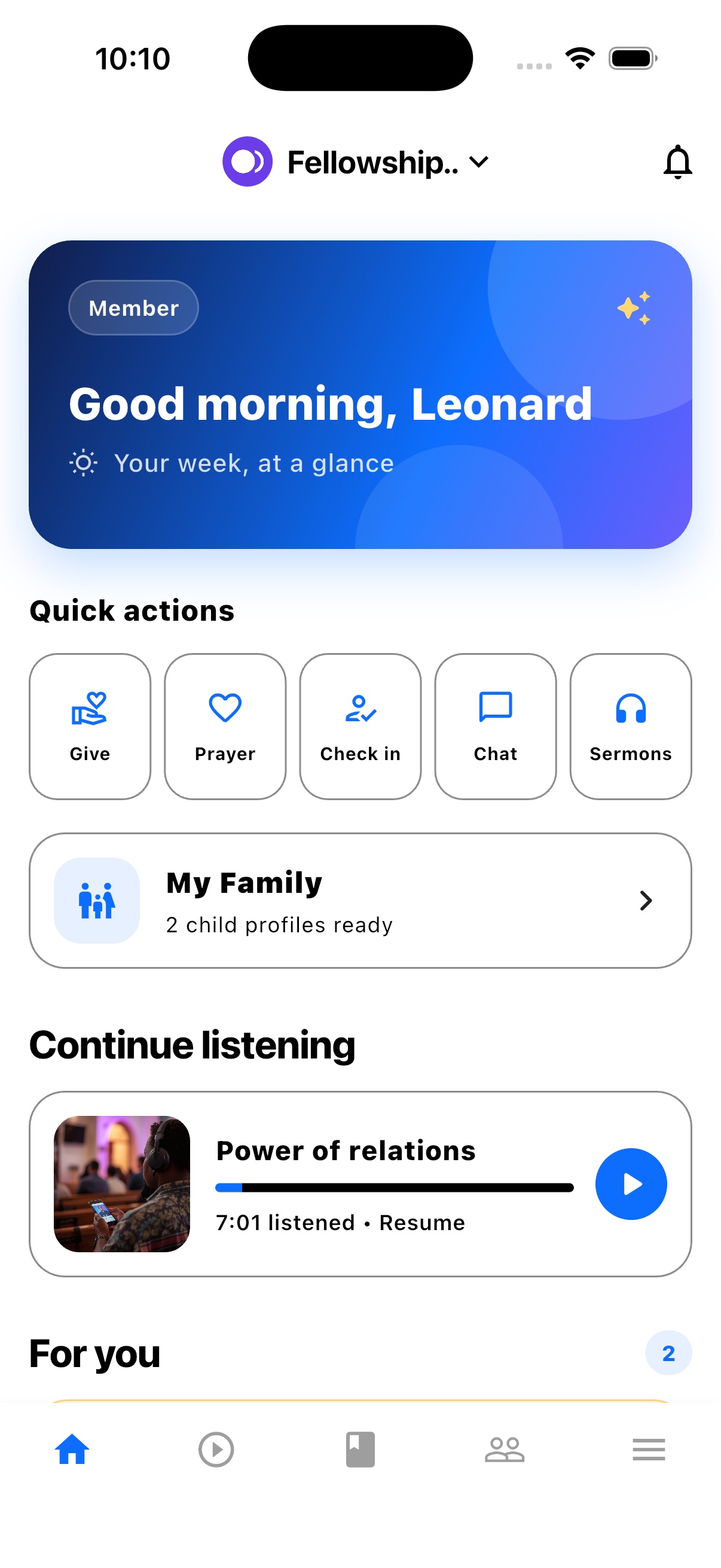
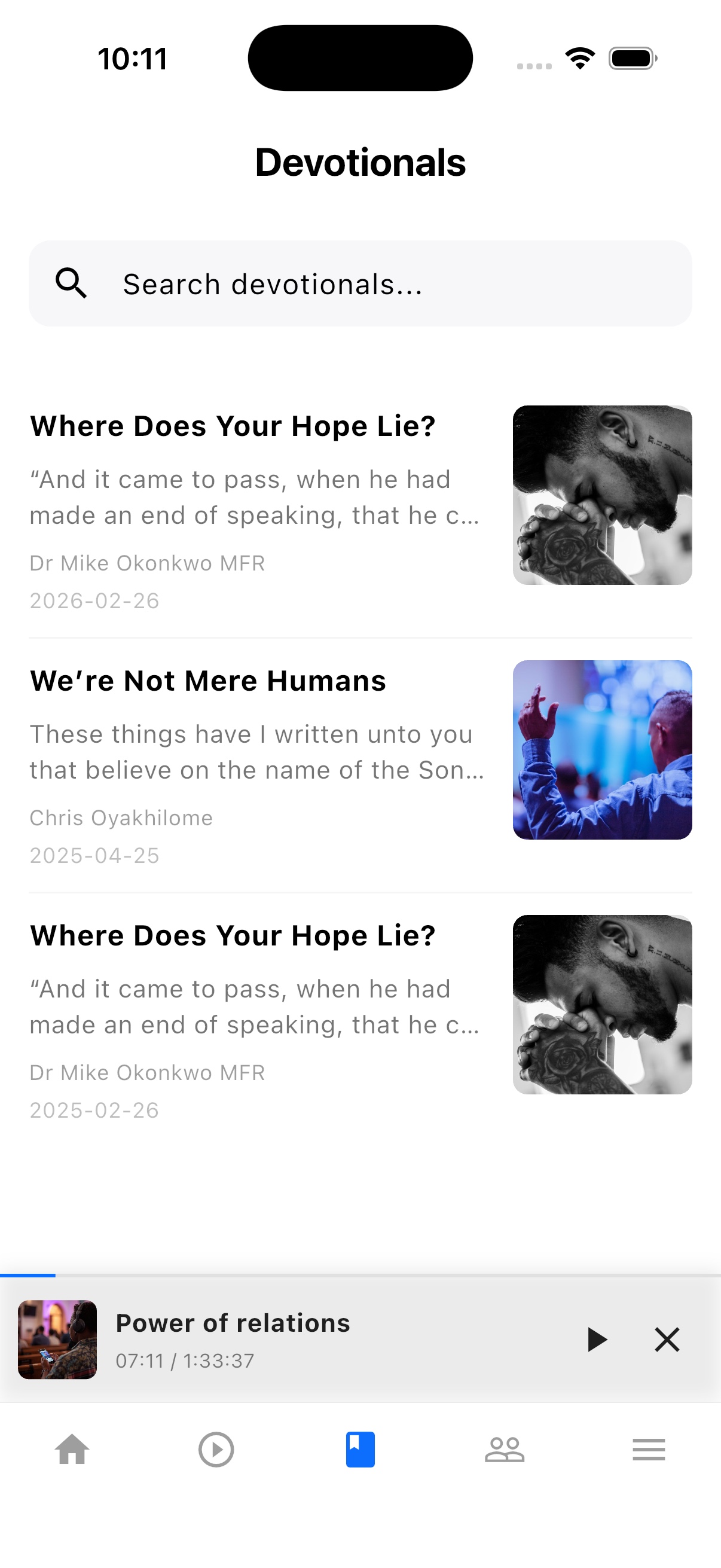
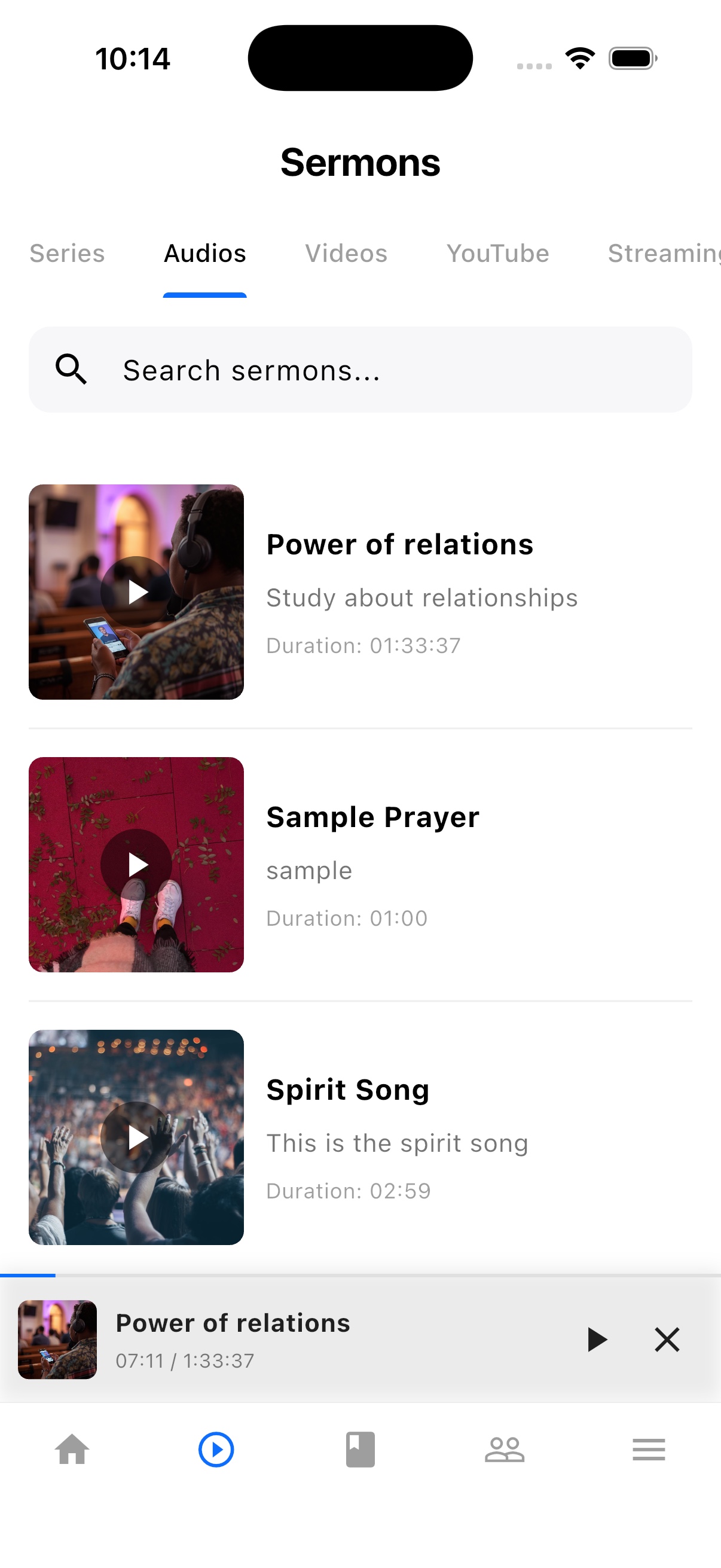
TheFaithApp is the member app connected to your church. Download it for iPhone or Android to find your church's sermons, devotionals, updates, and events in one place.


Explore the member app features
For church administrators
Manage your church in the web dashboard. Setting up a new church? Request access for review before setup.
Guides and next steps
Connect room and equipment preparation with the people responsible for your next service.
One platform. Built around real ministry.
Review product screenshots and setup guidance, then request access to begin with the workflows your church needs.
Chat could not load. Email support
Chat with us