
Funds and designations
Create the funds your church uses and keep restricted purposes visible to the responsible team.
Manage funds, one-time and recurring gifts, donor statements, finance access, and stewardship follow-up without separating generosity from the people behind it.
Starter access on the Free plan · View pricing
What your team can do
Use Giving on its own terms, with the same people, permissions, content, and ministry context already inside TheFaithApp.
Create the funds your church uses and keep restricted purposes visible to the responsible team.
Review received gifts, payment attempts, methods, and recurring support from one workspace.
Prepare clear donor statements without rebuilding giving history in a separate spreadsheet.
Coordinate acknowledgements and follow-up while keeping pastoral context separate from finance data.
Give finance volunteers and leaders the access they need without opening unrelated church records.
Connect supported payment providers while keeping external processing fees visible and separate.
A clear setup path
Start with a fund, configure your church’s payment connection, and review the public giving page before sharing its link.
Recurring giving also depends on the connected provider and account capabilities. Confirm the options your church can offer before announcing them.
Read the church giving setup guide (English)Payment processing fees are separate from your TheFaithApp subscription. Review your provider's country, currency, account, and payment-method terms; a plan's fund allowance does not include those charges.
Pending, failed, and cancelled payment attempts stay out of received-gift totals. Keep giving records and provider payment status part of the same review.
| Recorded status | Recorded amount (USD) | Included in received total (USD) |
|---|---|---|
| Received | 100 | 100 |
| Pending | 250 | 0 |
| Failed | 500 | 0 |
| Received total: 1 gift | 100 | |
These fictional records have no fees, refunds, disputes or adjustments. A received total does not confirm a bank deposit.
Start with your church's receiving country and currency, then confirm the payment methods and recurring options available to that account. Compare your TheFaithApp subscription, processing fees and any currency-conversion or other provider charges separately. Walk through a fictional example with your finance team: supporter sign-in, fund choice, payment status and deposit reconciliation. A received gift and a settled bank deposit are different checks. Bring these requirements to your access request; church setup follows review.
The church's public giving page starts with supporter sign-in before the donation form appears. The connected provider controls the payment options shown afterward. Open the link while signed out and review sign-in, the available funds, and the payment summary before sharing it.
Recurring giving depends on the connected provider and the account's available capabilities. Flutterwave needs approval for automated tokenized card charges and that capability enabled in TheFaithApp. PayPal needs its partner Subscriptions capability. Confirm the recurring options available to your church before announcing them.
Review the gift's recorded status and provider confirmation. Closing a payment screen does not complete a gift. Received-gift totals exclude pending, failed, and cancelled attempts, and currency totals stay separate. Finance staff can review acknowledgements, prepare statements, and reconcile gifts with provider or bank deposits using the access assigned to them.
Yes. Authorized staff open Giving > Finance Operations and create a manual gift batch with an independent expected gift count and total. Each cash, check or bank-transfer gift needs the donor's name and a valid email address, the amount, the payment method and its fund allocation. Submit the batch with a control note once the entered count and total exactly match those controls. A different authorized person reviews and closes the batch; until then, its gifts remain pending and do not increase received-gift totals. Recording a manual gift does not transfer money or reconcile a bank deposit.
Inside Giving
Bring funds, gifts, recurring support, statements, finance access, and stewardship into one accountable view.
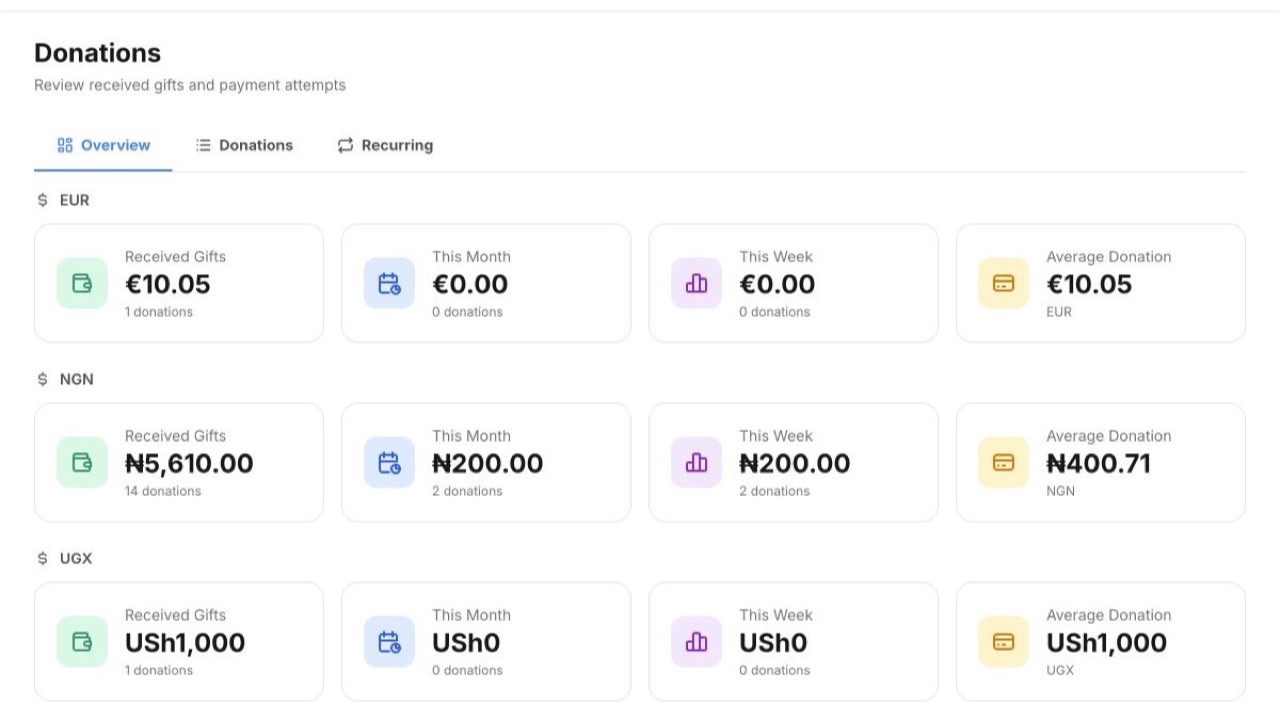 Enlarge screenshot
Built into the product
Funds, gifts, statements, finance access, and stewardship work together so generosity is both accountable and personal.
A simple ministry rhythm
Create designations, governance settings, and the payment connections your church uses.
Review gifts, recurring support, payment status, and currency-specific totals.
Produce statements and coordinate responsible stewardship from the same record.
For church members
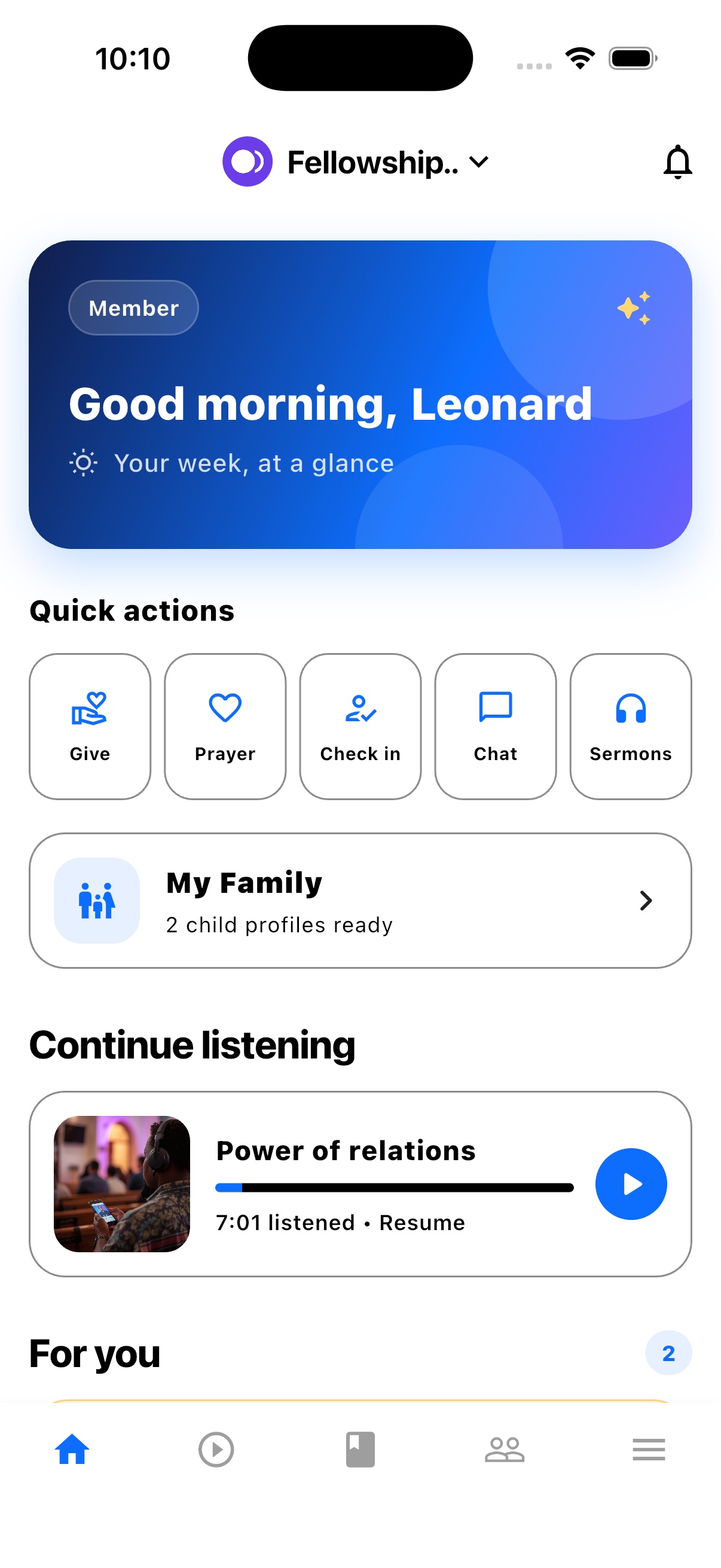
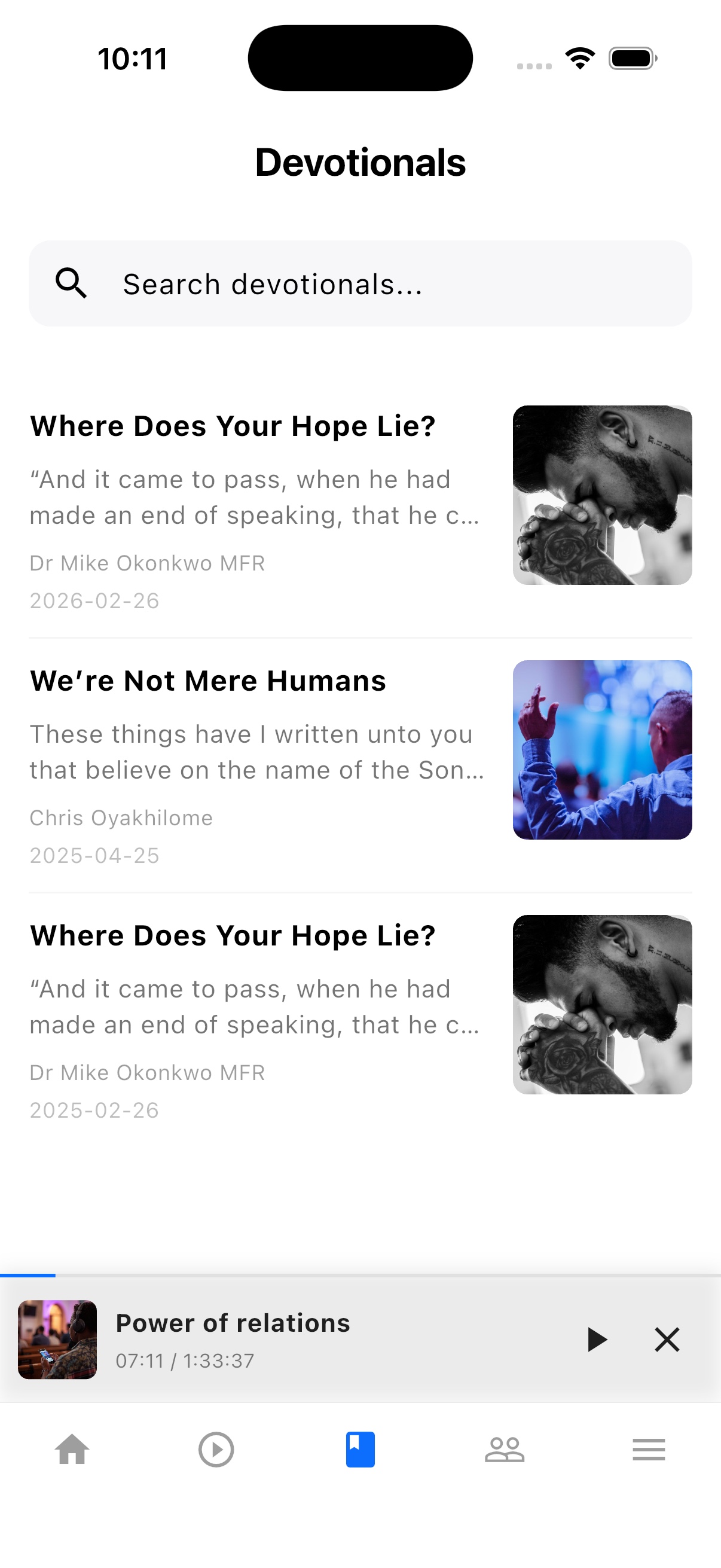
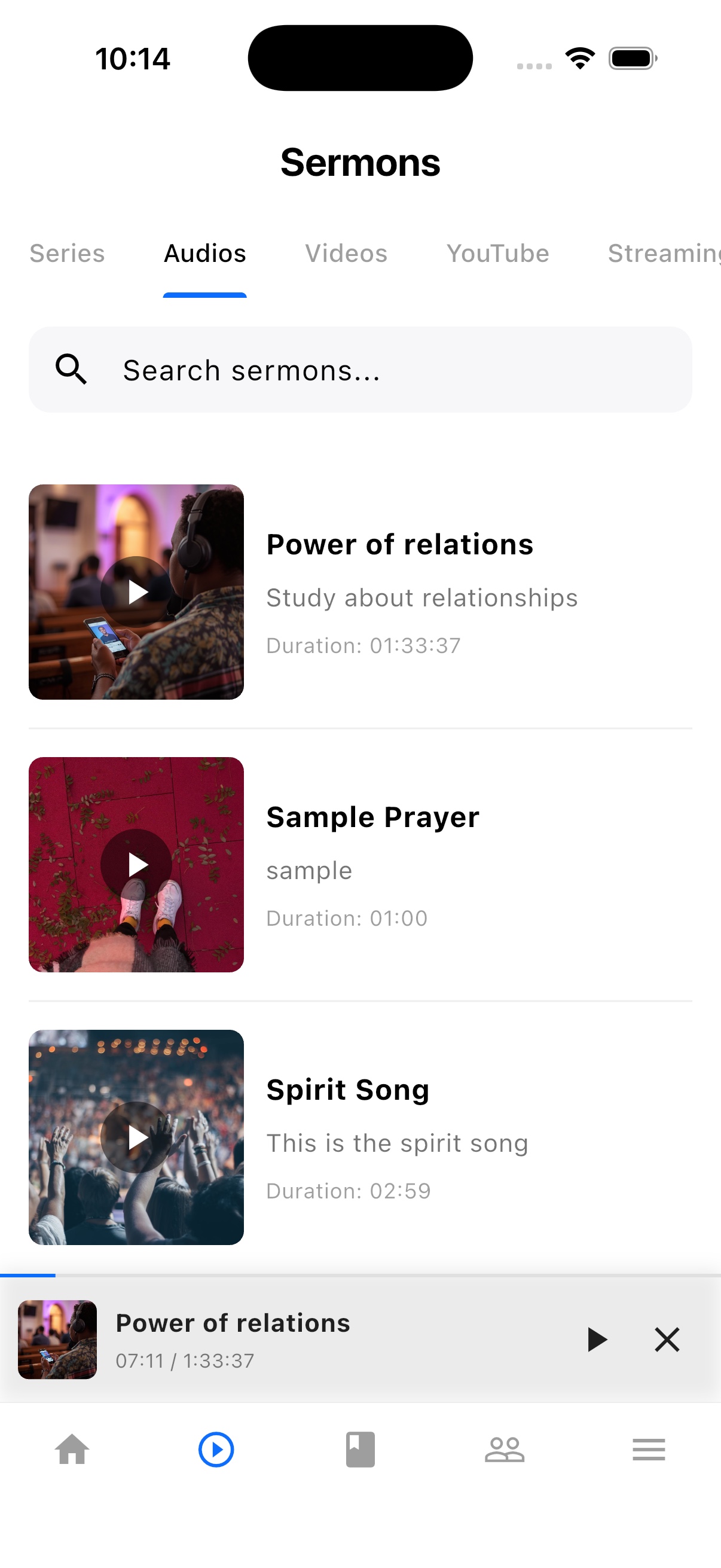
TheFaithApp is the member app connected to your church. Download it for iPhone or Android to find your church's sermons, devotionals, updates, and events in one place.


Explore the member app features
For church administrators
Manage your church in the web dashboard. Setting up a new church? Request access for review before setup.
Guides and next steps
Prepare your giving page, understand provider setup, and keep received gifts and finance records clear.
One platform. Built around real ministry.
Review product screenshots and setup guidance, then request access to begin with the workflows your church needs.
Chat could not load. Email support
Chat with us