
Pathways and lessons
Build teaching with Scripture, media, downloads, reflection, discussion, and clear progression.
Build classes, spiritual practices, mentorship, and private formation journeys in one church-shaped product.
Starter access on the Free plan · View pricing
Prepare a church Bible reading planWhat your team can do
Use Discipleship on its own terms, with the same people, permissions, content, and ministry context already inside TheFaithApp.
Build teaching with Scripture, media, downloads, reflection, discussion, and clear progression.
Make knowledge checks optional or required, with scores and attempt limits.
Support shared check-ins and guidance without turning formation into a content feed.
Offer gifts and serving discernment, a rule of life, Daily Office, and guided examen.
Coordinate congregational fasts, lament, the church calendar, sabbath, and retreat guides.
See learning progress while keeping personal goals and journal reflections appropriately private.
Bible reading through the week
Bible plans are part of your church’s core content tools. Give members a clear sequence of Scripture readings and useful reflection prompts. Your church creates the plan in TheFaithApp, publishes it when ready, and members choose to start it in their own accounts.
Reading days can be edited before the first member enrolls. After enrollment, day titles, references, order and prompts stay fixed to protect existing progress. If the reading schedule needs to change, archive that plan and create a new one.
Members can add the displayed Verse of the Day to their Scripture memory list and review it with recall ratings. Those cards and ratings belong to the signed-in member. Reading progress and memorization reviews are not public spiritual scores.
Inside Discipleship
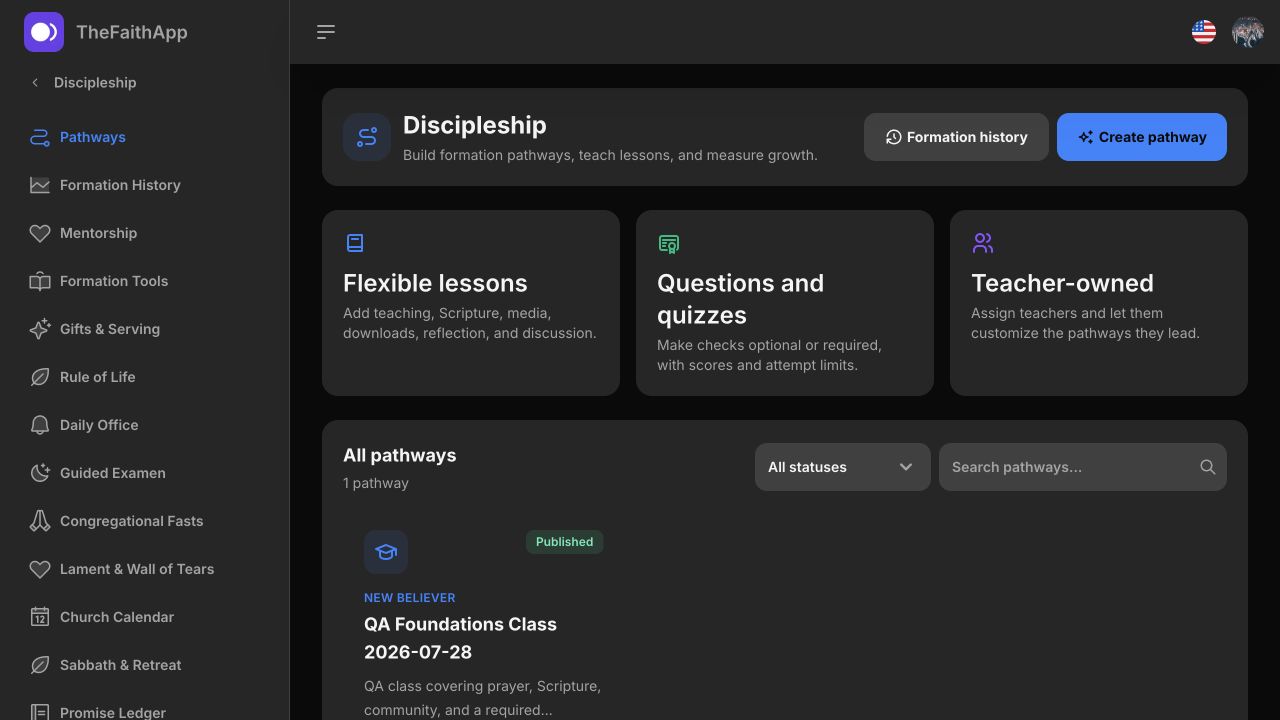
Build the pathway, publish it to your church, and give every learner a formation home they can return to.
Combine lessons, Scripture, media, reflection, discussion, and optional or required quizzes.
 Enlarge screenshot
Keep active learners, lessons, progress, and pathway status visible to the responsible team.
 Enlarge screenshot
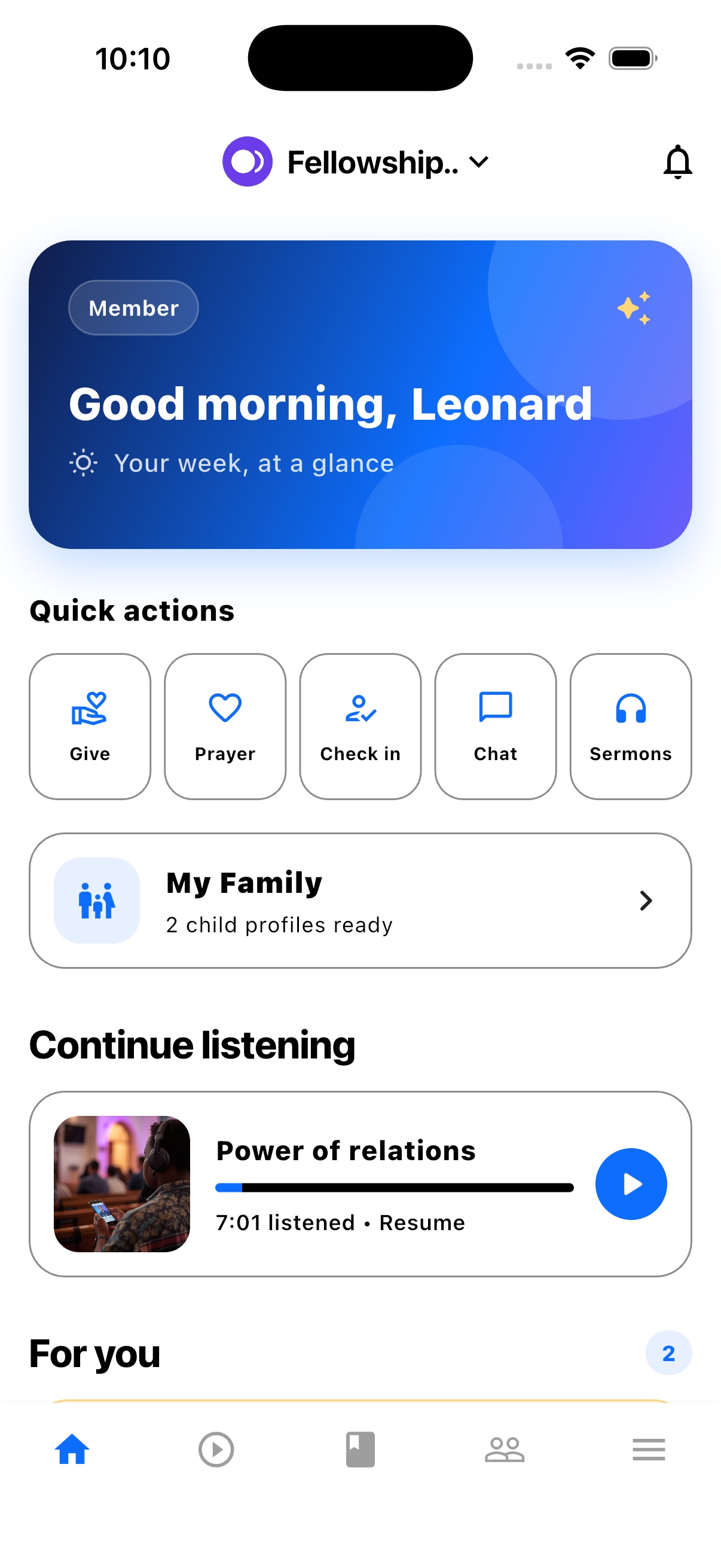
Active pathways and personal formation shortcuts stay easy to find on mobile.
 Enlarge screenshot
Morning, midday, and evening prayer plans can remain personal while still belonging to a shared formation journey.
 Enlarge screenshot
Built into the product
Lessons, reflection, questions, and quizzes become a church-owned pathway teachers can shape and members can actually find.
A simple ministry rhythm
Build lessons, Scripture, reflection, discussion, and knowledge checks.
Assign teachers, publish the pathway, and welcome learners.
Support mentorship, spiritual practices, progress, and completion.
For church members
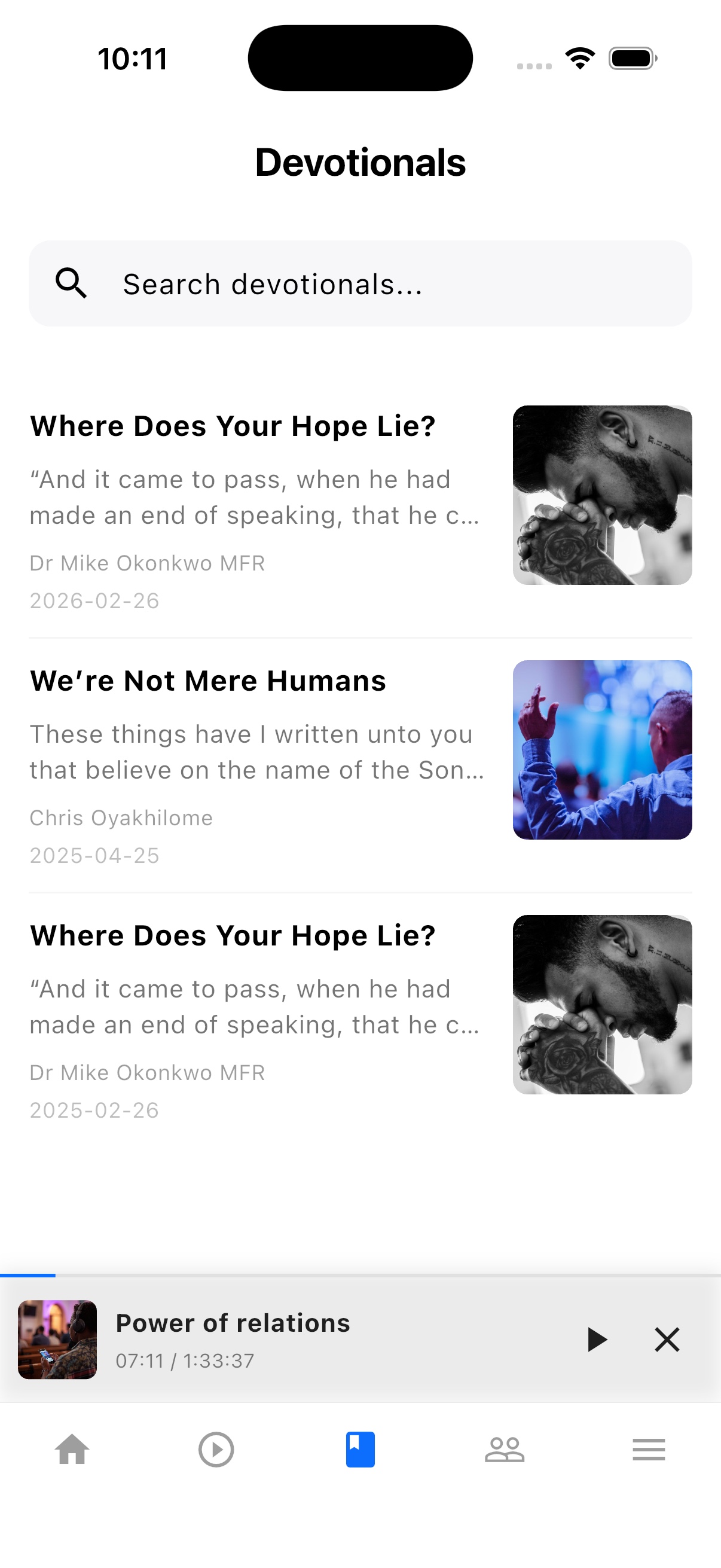
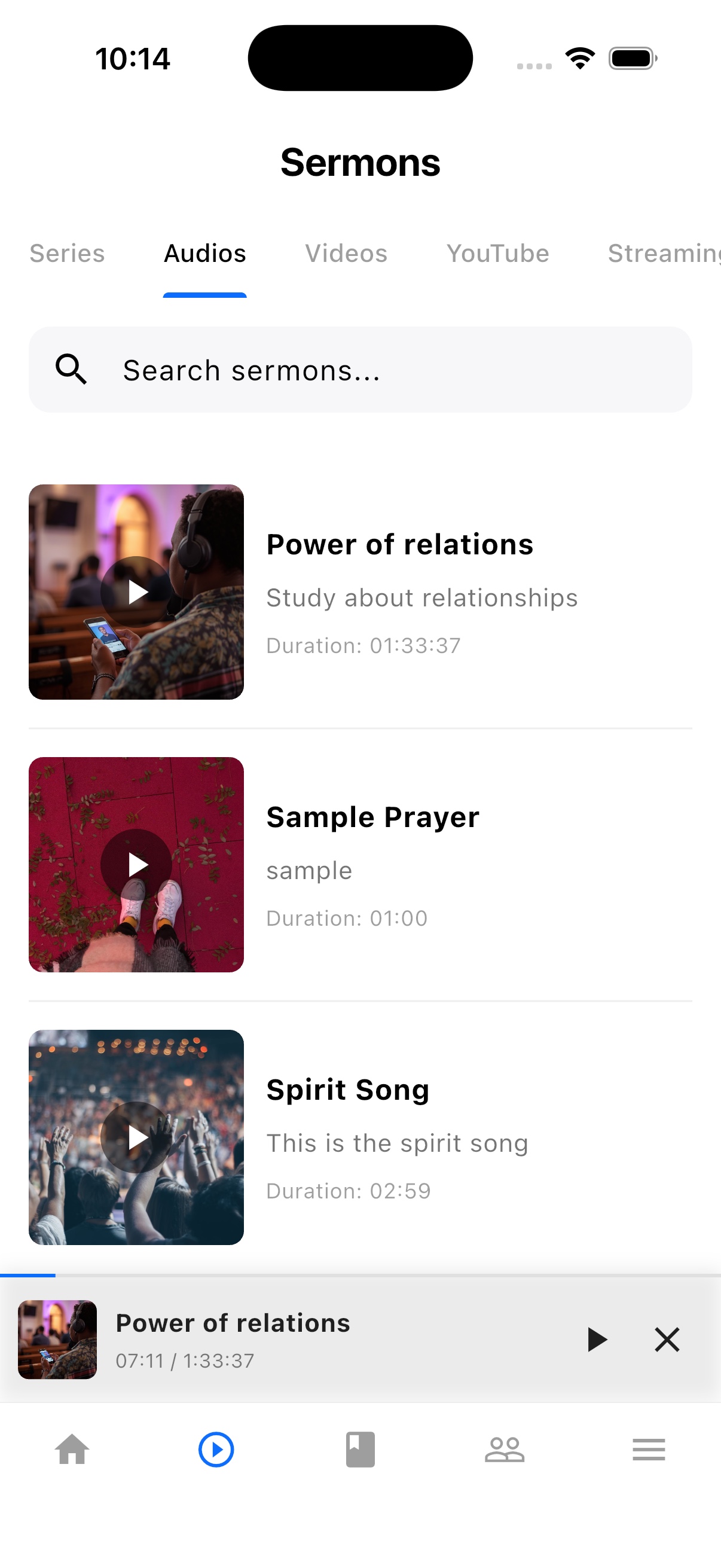
TheFaithApp is the member app connected to your church. Download it for iPhone or Android to find your church's sermons, devotionals, updates, and events in one place.


Explore the member app features
For church administrators
Manage your church in the web dashboard. Setting up a new church? Request access for review before setup.
Guides and next steps
Start with one church-owned learning pathway, then prepare mentorship with clear privacy boundaries.
One platform. Built around real ministry.
Review product screenshots and setup guidance, then request access to begin with the workflows your church needs.
Chat could not load. Email support
Chat with us