
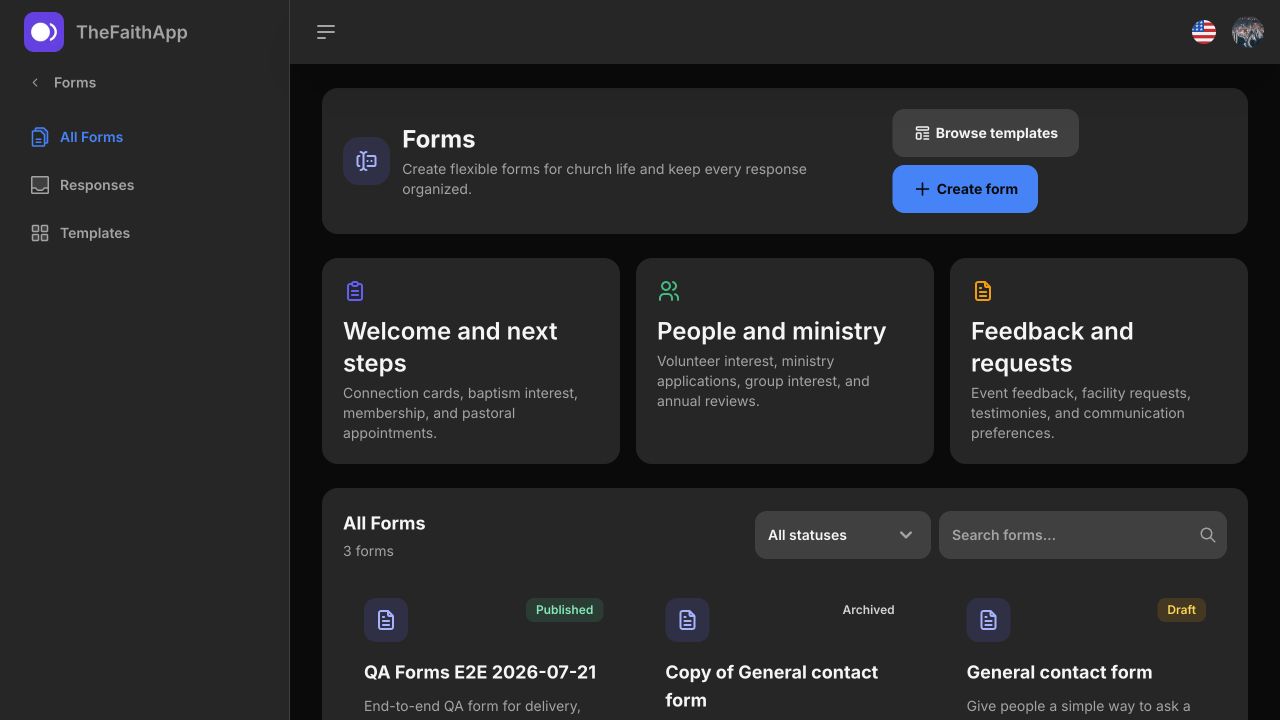
Ready-made templates
Start with 15 ready-to-use church templates for welcome, ministry, feedback, and requests.
Create flexible forms, share them anywhere, and keep every response organized for thoughtful follow-up.
Starter access on the Free plan · View pricing
What your team can do
Use Forms on its own terms, with the same people, permissions, content, and ministry context already inside TheFaithApp.
Start with 15 ready-to-use church templates for welcome, ministry, feedback, and requests.
Shape the questions, access, managers, and response experience for each ministry need.
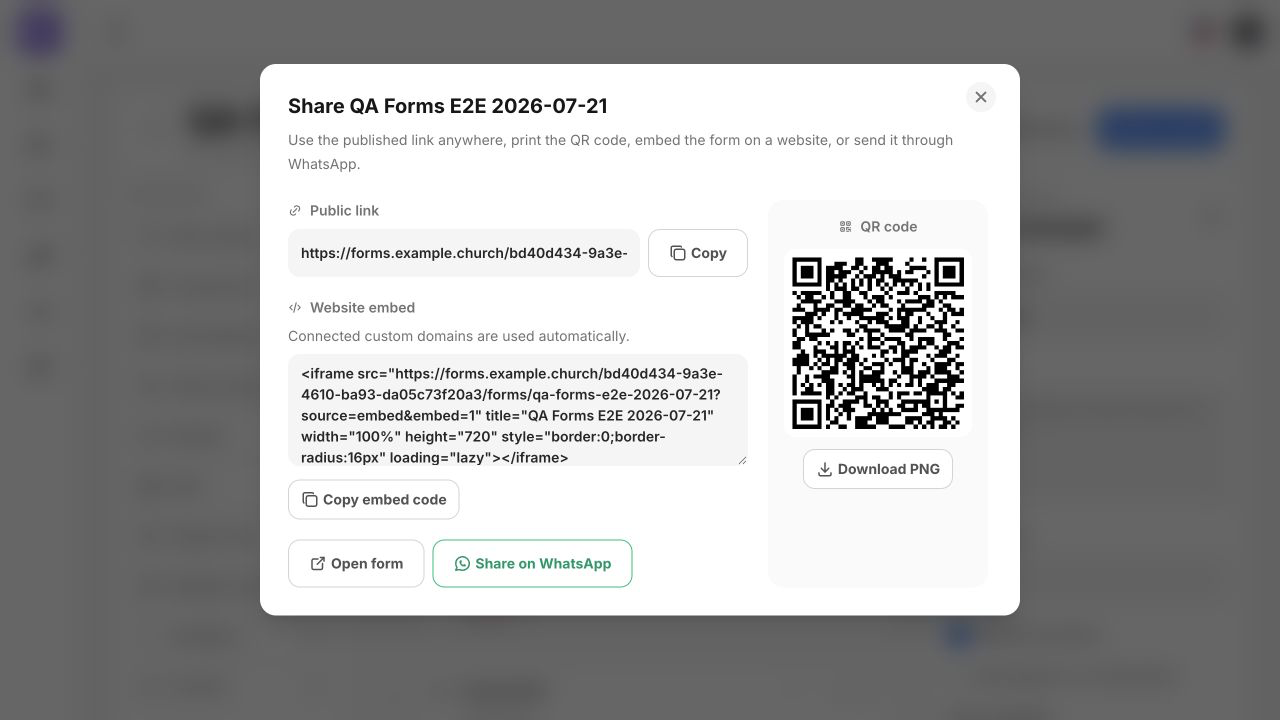
Share a public link, print a QR code, send it through WhatsApp, or embed the form on your church website and custom domain.
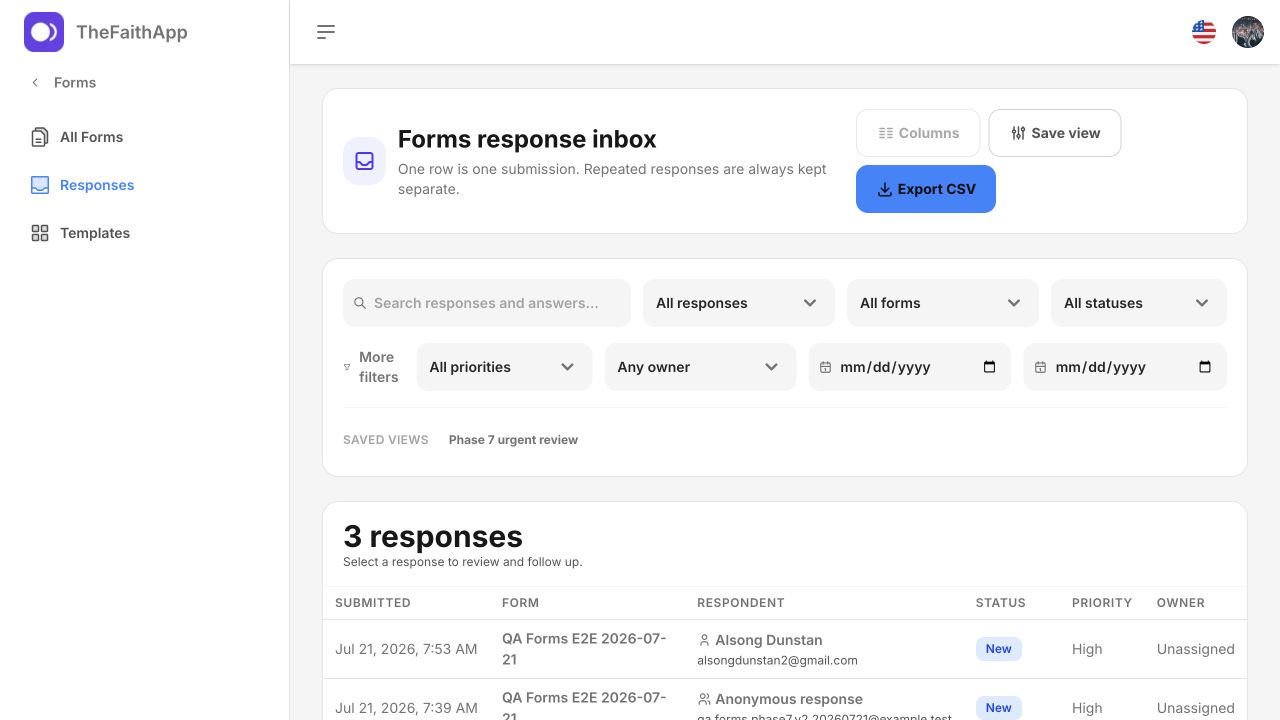
Search, filter, assign, and track follow-up without emailing spreadsheets around.
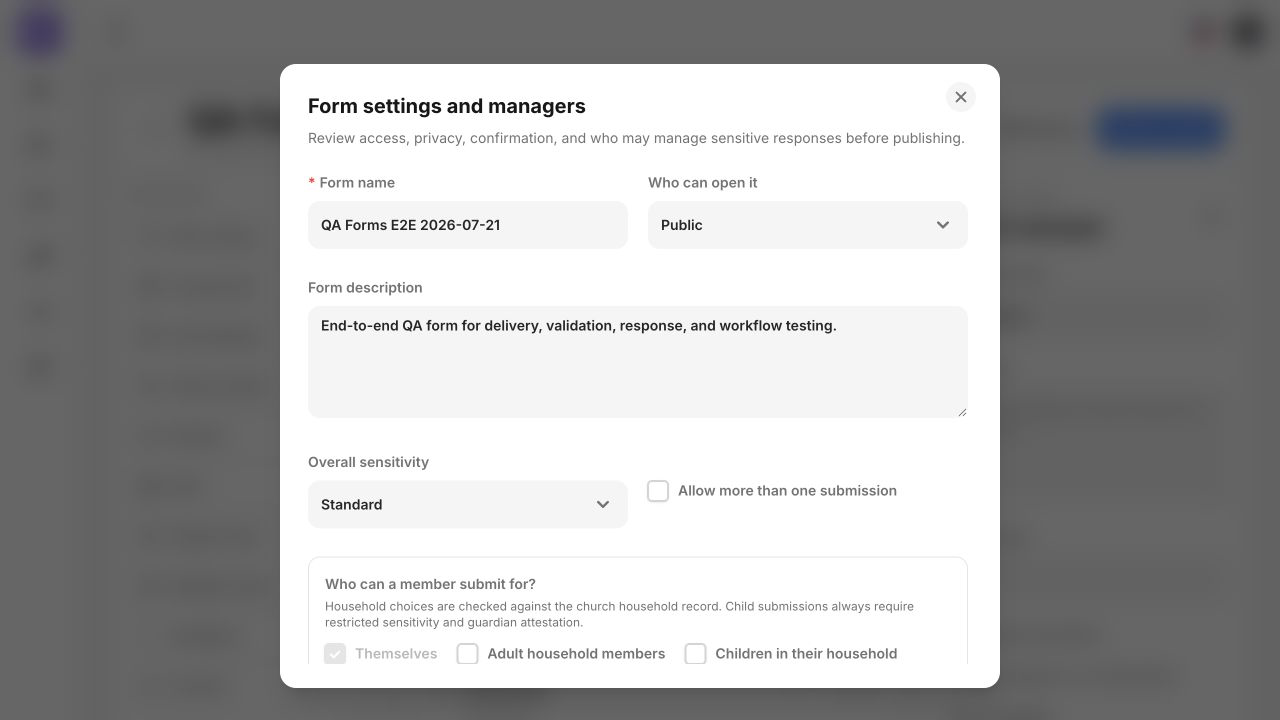
Choose public, member, or invite-only access and name the people responsible for the form.
Protect downloads behind an intentional review step when work needs to leave the platform.
Before sharing a church form
Start with a short form, choose who can respond, and name the people who will review the answers. A connection card can help your welcome team understand a guest’s question without asking for more information than it needs.
Ask for a guest’s question and contact preference. A welcome-team member reviews the response and agrees the next contact.
Collect group interests and availability. A coordinator checks a suitable introduction before sharing someone’s contact details.
Ask which role interests someone and when they can serve. A team leader checks availability and role requirements before confirming an assignment.
Collect the details needed to plan attendance. A coordinator reviews responses and answers questions; submitting a form does not collect payment.
Choose who can review answers before publishing. A public form link does not make the answers public; sensitive answers still follow the form’s access rules.
Coordinate a test-only form with its managers. Submitting a test uses the response allowance and may notify staff or start configured actions; review the result before removing the test response.
A guest response does not automatically become a member record. When an existing member is signed in or responds through their member invitation, eligible mapped profile changes are proposed for authorized staff review.
Agree on the welcome and timing with the free visitor follow-up planner. It prepares editable drafts without an account; it does not send messages or create visitor records.
Yes, when you choose Public access. Member-only forms require a verified church member, and invite-only forms require a valid invitation. Choose access, sensitivity and response managers for the information you collect; a public link does not make the answers public.
Question changes stay in a draft until you publish an update. The public link keeps showing its published questions, and earlier responses remain attached to the version each person completed. Changes to title, description, access mode and opening or closing times apply when those details are saved; review the shared link afterward.
The Free plan includes 3 active published forms and 100 / month form responses. Paid plans expand these allowances. Compare current form and response limits before choosing capacity for your ministry.
Forms does not collect payments. Use Giving for gifts and payment-provider setup. Keep your connection card focused on the guest’s question and the contact they requested.
Inside Forms
Go from a ready-made template to a reviewed response without losing ownership, privacy, or follow-up.
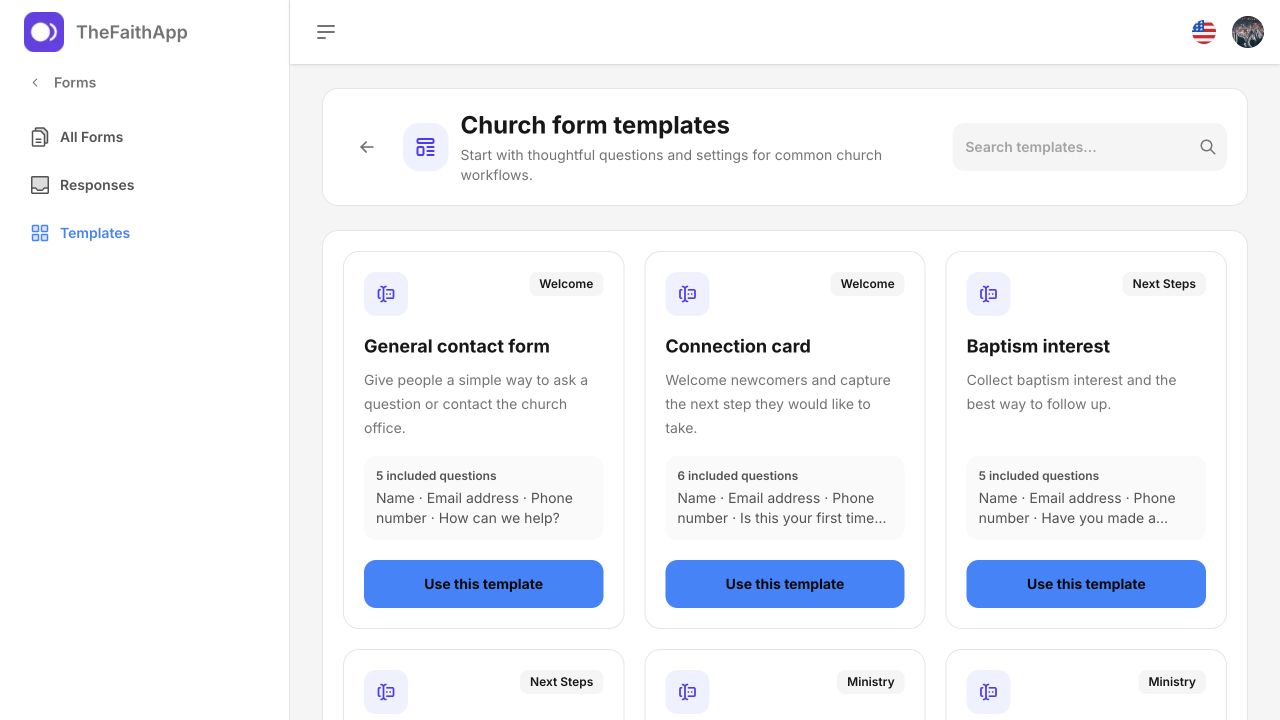
Use practical starting points for welcome, ministry, feedback, care, and everyday church administration.
 Enlarge screenshot
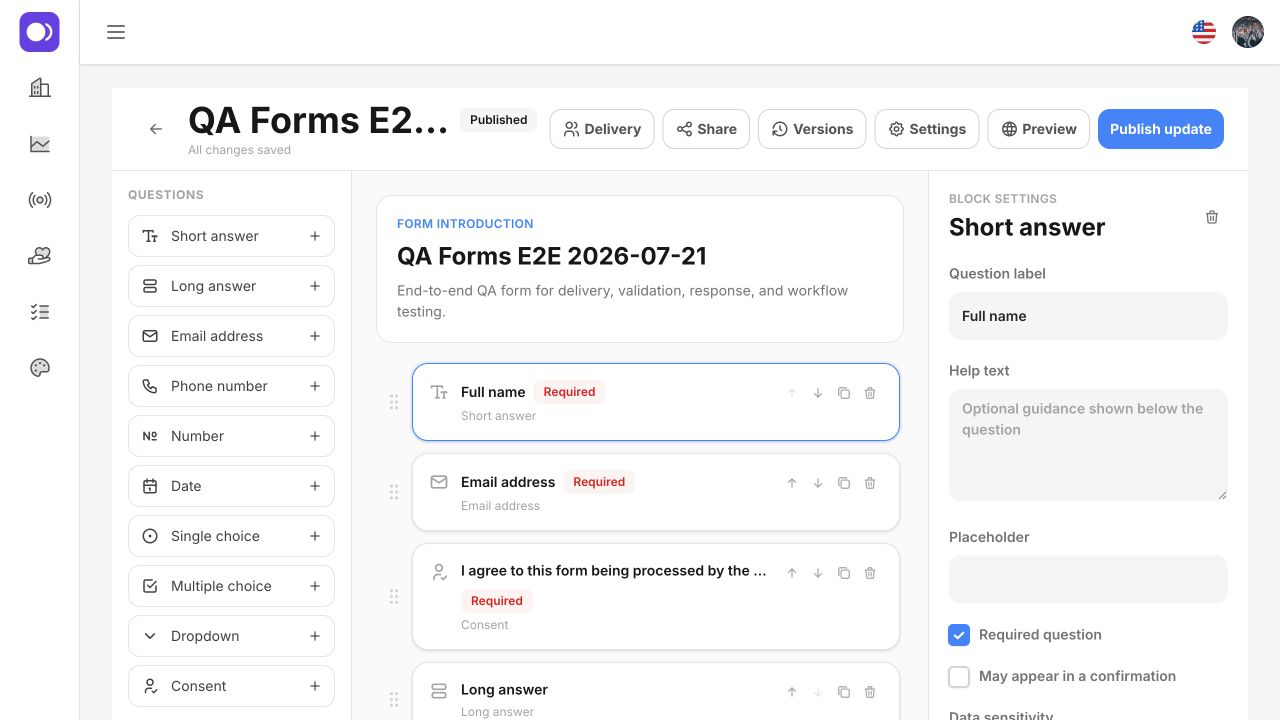
Build clear forms with the fields, guidance, access, and ownership the workflow needs.
 Enlarge screenshot
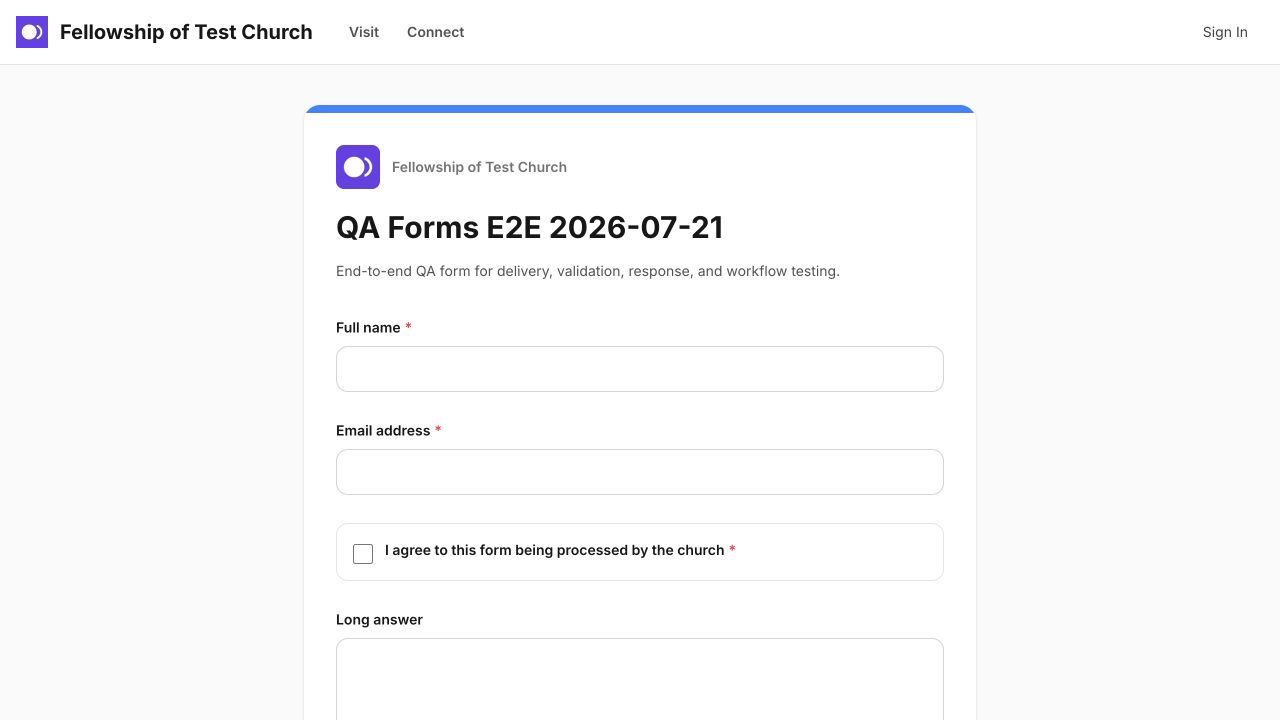
Offer a focused public experience without requiring every respondent to enter the admin platform.
 Enlarge screenshot
Use a public link, QR code, WhatsApp, website embed, or custom church domain.
 Enlarge screenshot
Search, filter, prioritize, and assign responses instead of exporting them into another disconnected list.
 Enlarge screenshot
Set access, sensitivity, and form managers before responses begin arriving.
 Enlarge screenshot
Built into the product
Use a template or start fresh, publish the form where people already are, and give every response a visible owner and next action.
A simple ministry rhythm
Choose a template, add questions, and set access and managers.
Share by link, QR code, WhatsApp, embed, or your custom domain.
Review, assign, filter, and act on responses from one inbox.
For church members
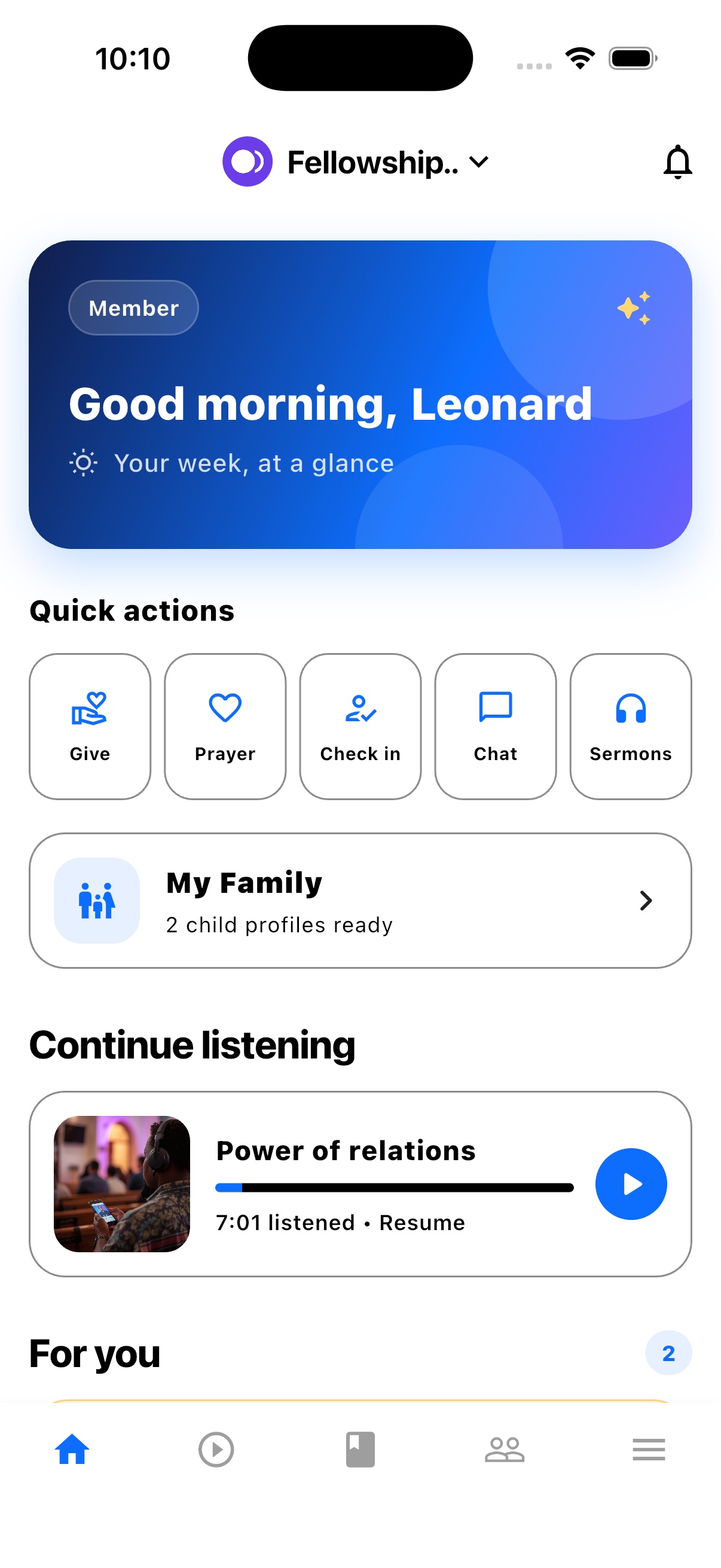
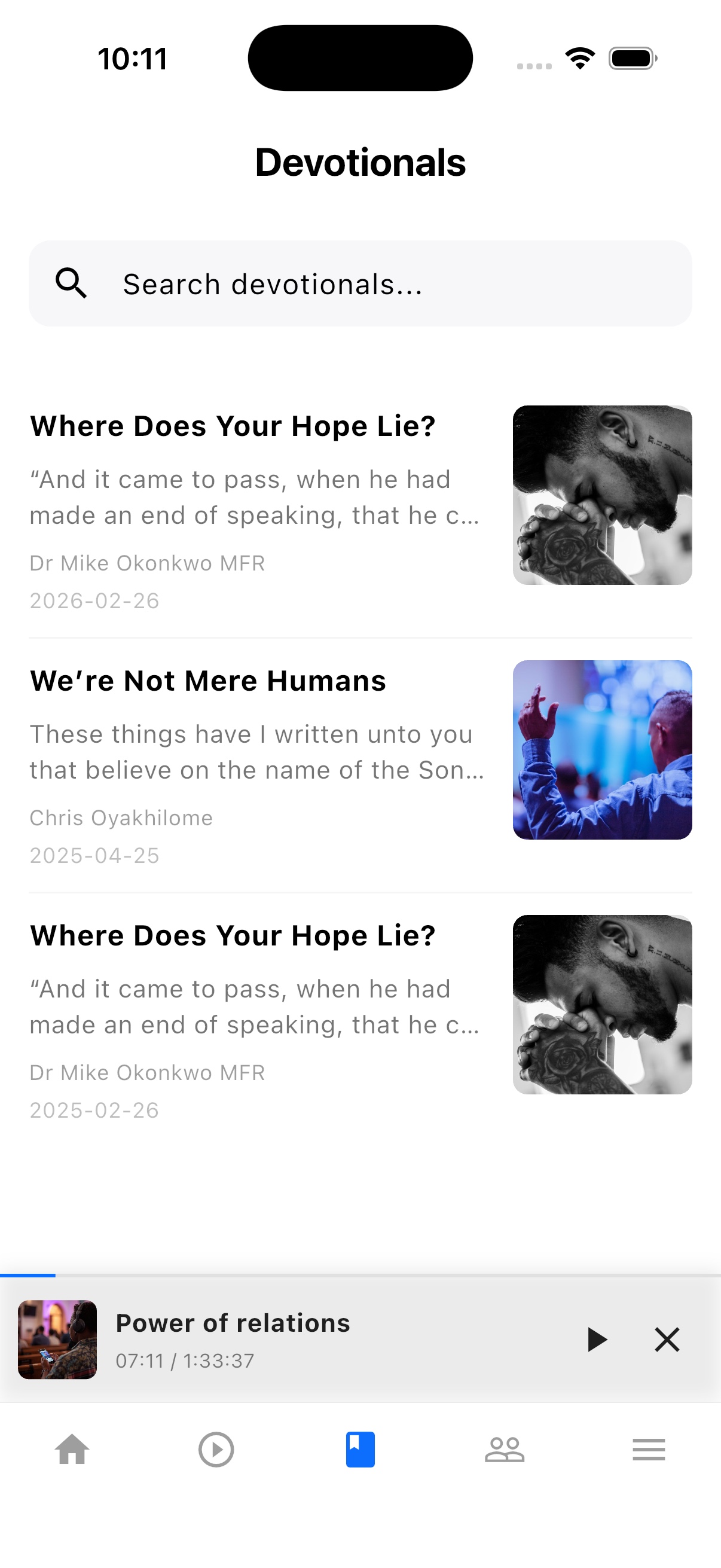
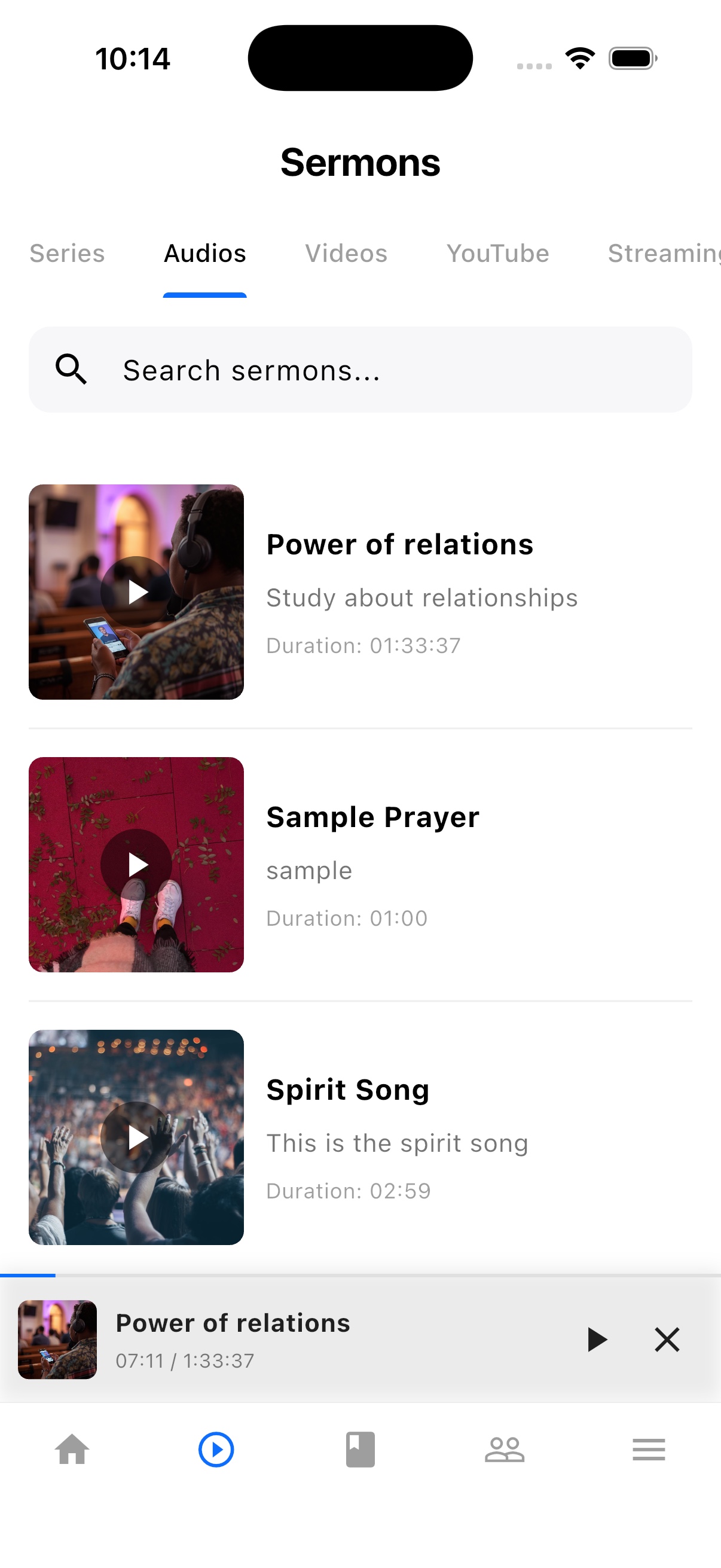
TheFaithApp is the member app connected to your church. Download it for iPhone or Android to find your church's sermons, devotionals, updates, and events in one place.


Explore the member app features
For church administrators
Manage your church in the web dashboard. Setting up a new church? Request access for review before setup.
Guides and next steps
Give each church form a clear audience, a tested public experience, and someone responsible for its responses.
One platform. Built around real ministry.
Review product screenshots and setup guidance, then request access to begin with the workflows your church needs.
Chat could not load. Email support
Chat with us